4
Locking and unlocking the screen
Press the power button to lock
the screen. If your phone is idle
for a specified period of time,
the screen will automatically
lock itself.
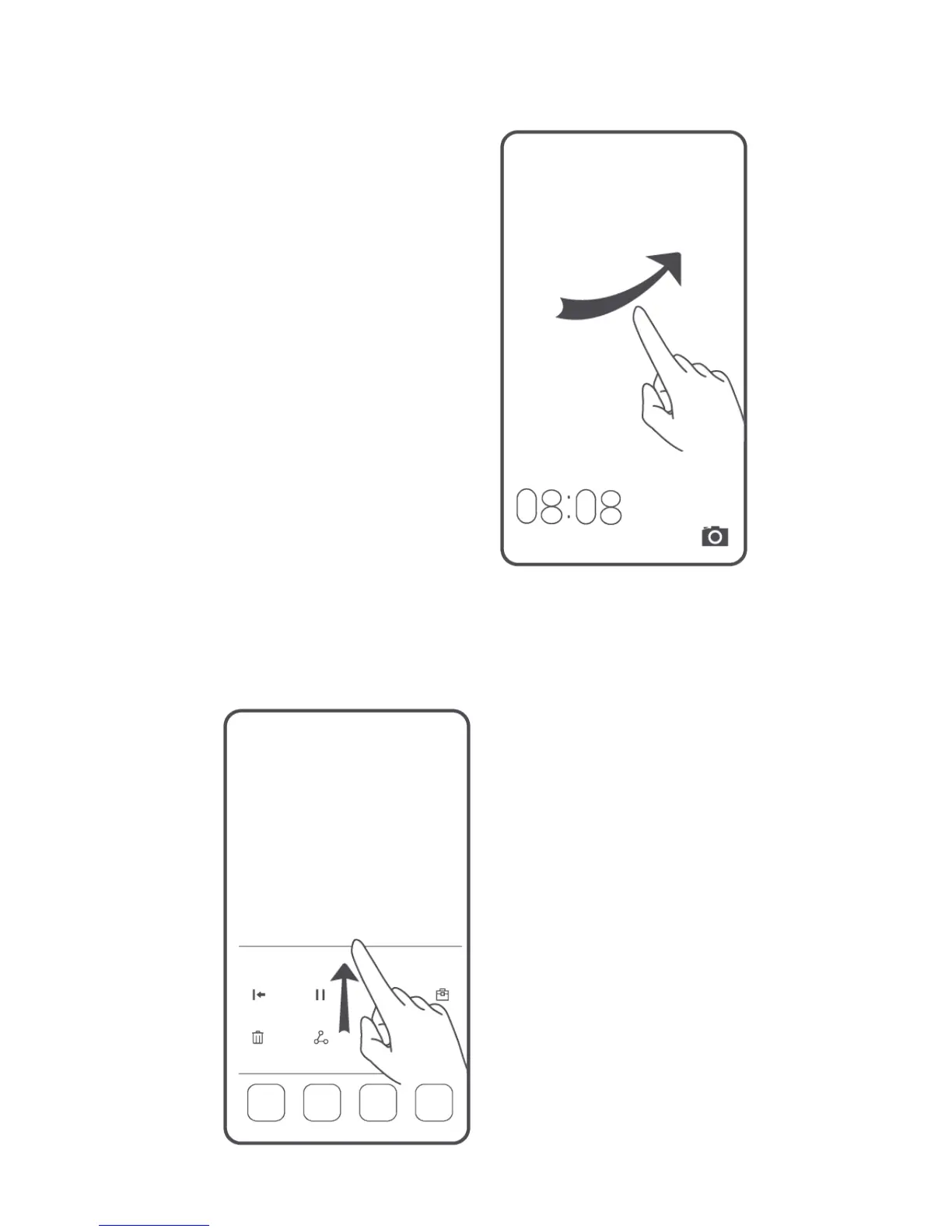
If the screen is off, press the
power button to turn it on.
Slide your finger in any
direction to unlock the screen.
Flick up from the bottom of
the lock screen to access the
quick operation panel for
one-touch optimization or to
open commonly used
applications, such as
Calculator.



 To Next Page