8
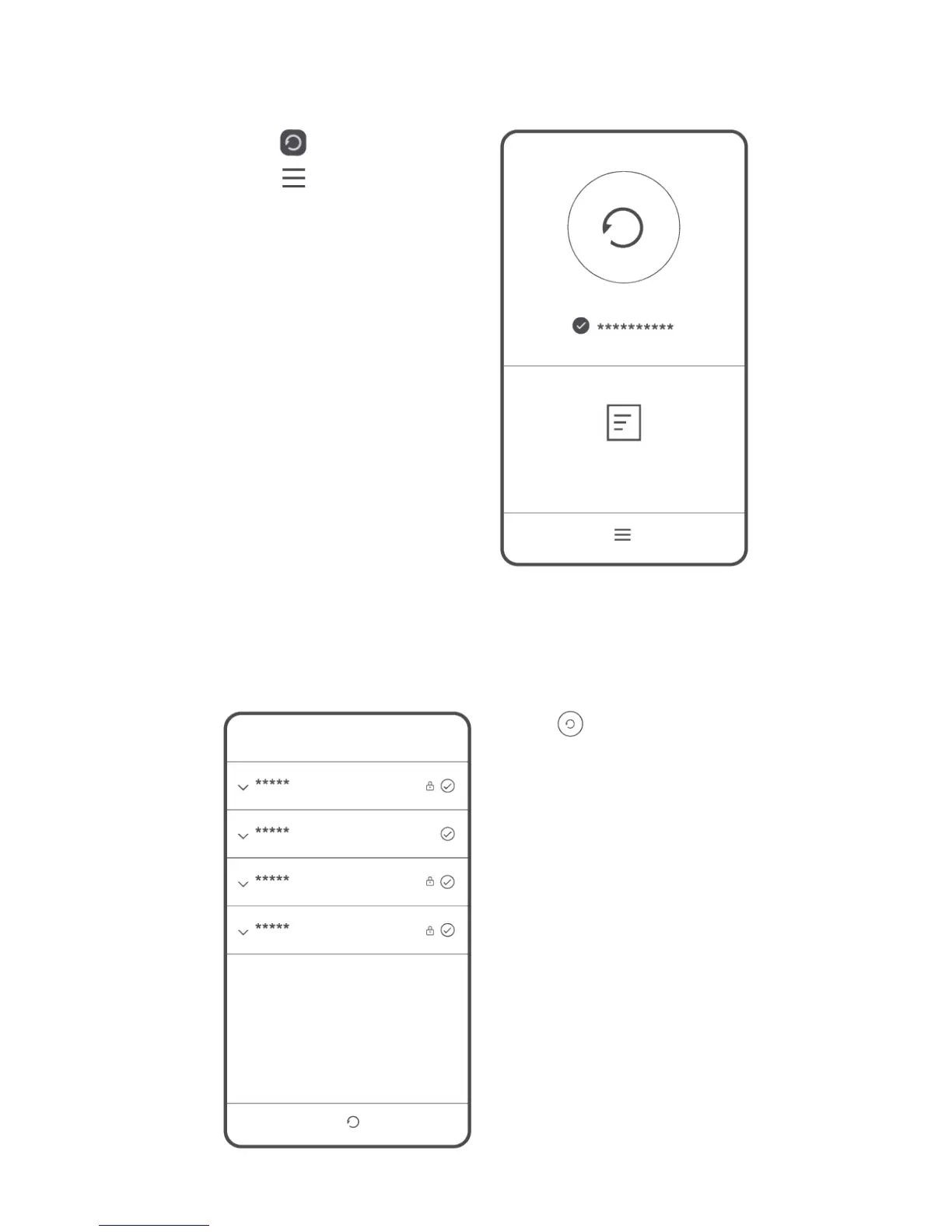
Backing up data
Touch .
Touch to open the
settings menu. You can set
how often you want to back
up your data by following the
onscreen instructions.
Touch and select the
data that you want to back
up, such as your contacts,
messages, and photos. Then
follow the onscreen
instructions to complete the
backup.



 To Next Page