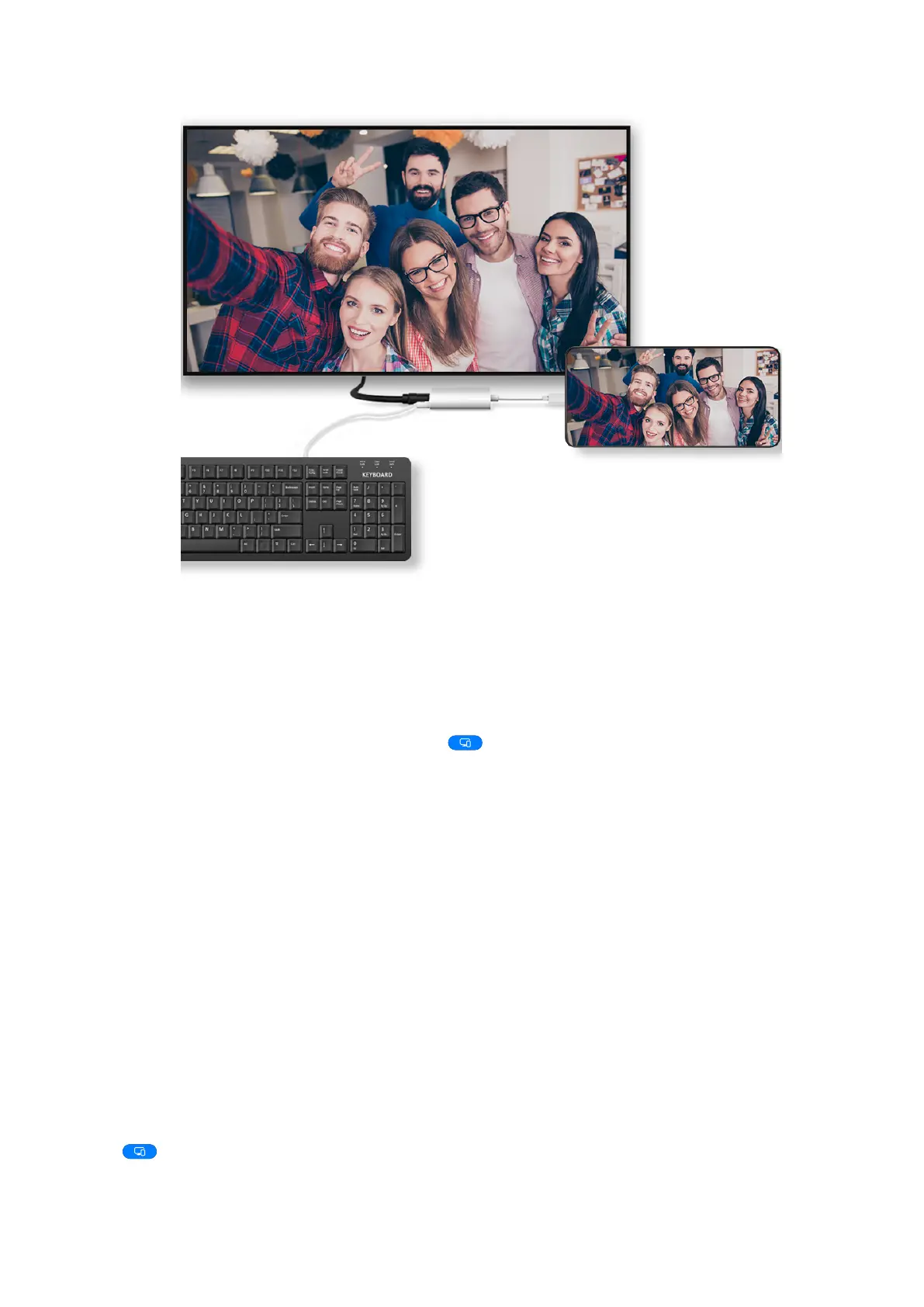
3
On the external display, set the corresponding HDMI, DP, or MiniDP input as the signal
source.
Use Desktop Mode
After your phone screen is projected, go to > Projection mode on your phone, and
touch Desktop mode.
In Desktop mode, your phone and the large display work independently and can show
content. content projected on the large display is in a layout similar to that on
a computer desktop.
you can edit a document on the large display while chatting on your phone. You
don't need to about missing out on calls, or messages, as a red dot will
appear on the panel on the external display to let you know.
Use Your Phone as a Touchpad
After projecting your phone on the large display in Desktop mode, if no keyboard is
available, your phone can work as a touchpad to complete input operations of a mouse
and keyboard.
Go to > Touchpad. You can:
• Use gestures as instructed to simulate mouse commands.
Collaboration
38















 To Next Page