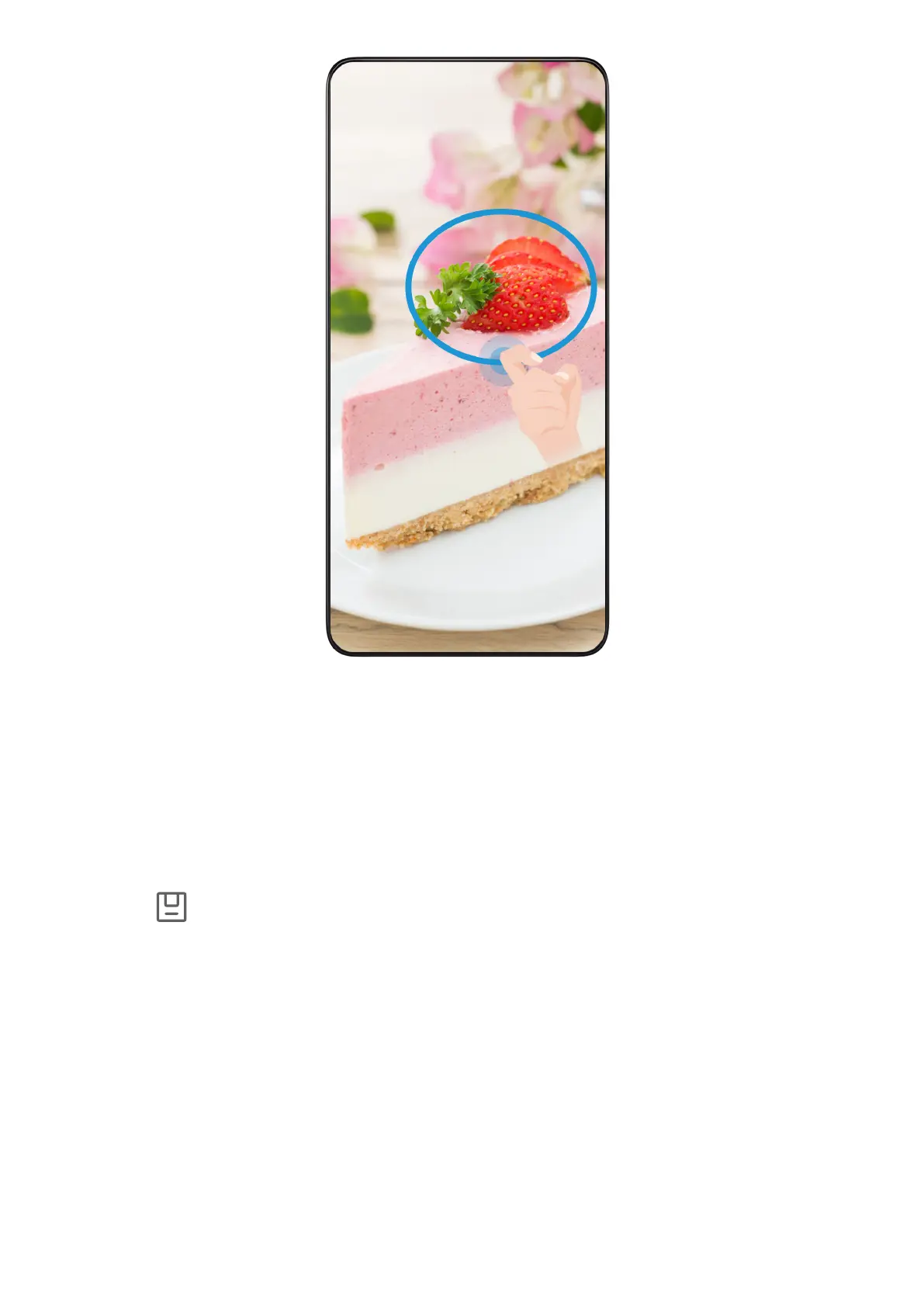
1
Knock on the screen with a knuckle and hold to draw an outline around the of the
screen that you want to capture. Make sure that your knuckle does not leave the screen.
2
screen will display the movement of your knuckle and take a screenshot
of the selected area. You can then:
• Drag the frame to the desired position or resize it.
• Touch a shape icon to determine the shape of the screenshot, or retain the
current shape.
3 Touch to save the screenshot.
Precautions for Using Knuckle Screenshots
• When you are typing, do not tap in the IME input area. Knuckle screenshots are blocked
in this area.
• Please double knock the screen consecutively at the same place and at an appropriate
speed.
• Keep your knuckle to the screen.
• If you want to take more than one screenshot, wait 2 seconds before knocking on the
screen again.
• If there is a screen protector on the screen, knock the screen harder or remove the screen
protector and again.
Tips
73















 To Next Page