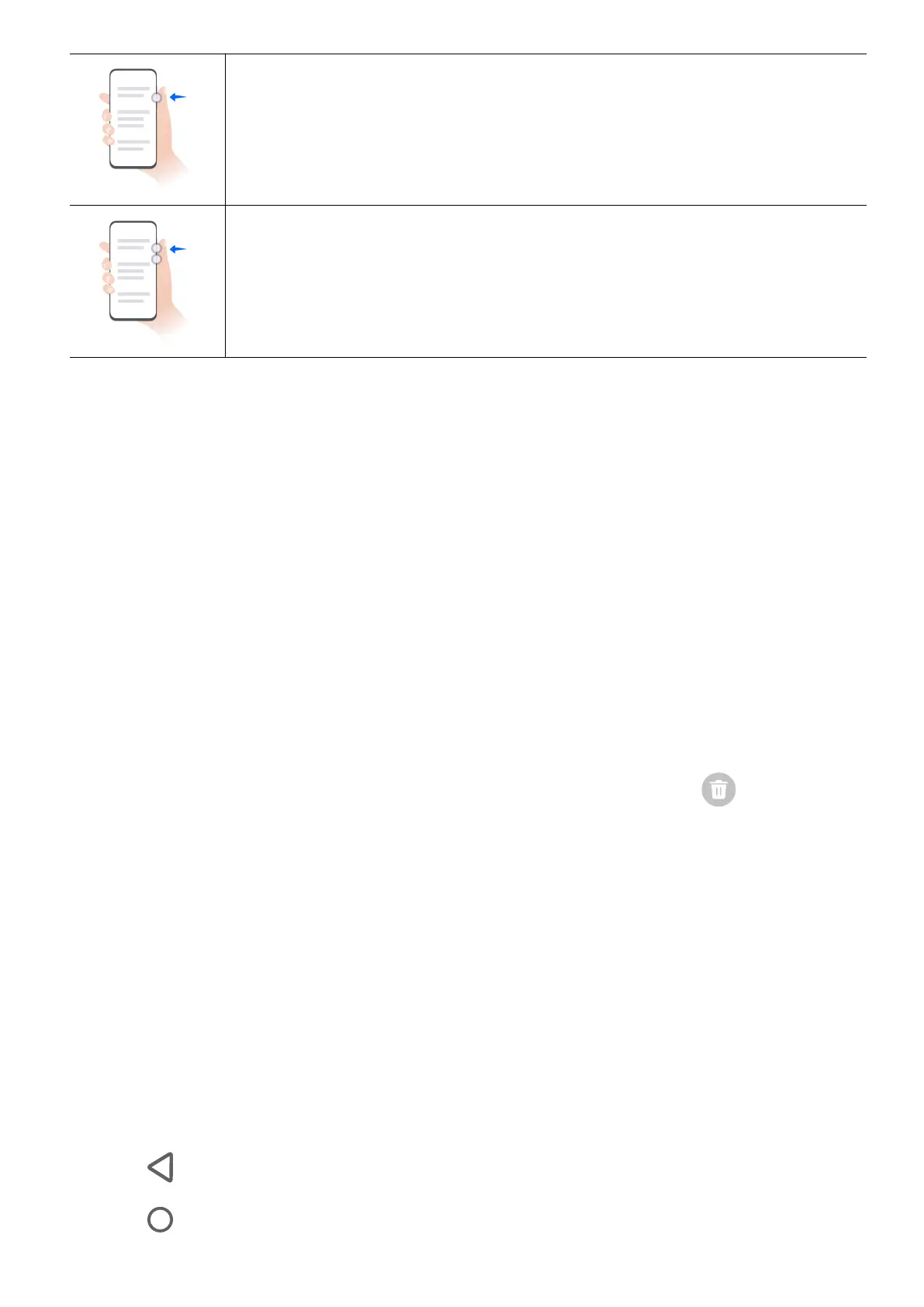
Volume down
Press the volume down button.
Screenshot
Press the volume down button and the power button.
Change Navigation Method
Change the System Navigation Mode
Use gesture navigation
Go to Settings > System & updates > System navigation and select Gestures.
You can:
• Return to the parent menu: Swipe inward from the left or right edge of the screen.
• Return to the home screen: Swipe up from the middle of the bottom edge of the screen.
• Access multitasking: Swipe up from the bottom edge of the screen and pause.
• Close a task: In the multitasking swipe up on a task card. Swipe down on a card
to lock the task, locked tasks will not be cleared in batches by tapping in the
multitasking
• Fast app switching: Swipe across the bottom of the screen in an arc to switch between
apps; or go to Settings,turn on the Slide across bottom to switch apps switch, then
swipe across the bottom of the screen.
You can also go to Settings, turn on the Show navigation bar switch to assist gesture
operations using the navigation bar.
Use ree-Key Navigation
Go to Settings > System & updates > System navigation, and select ree-key
navigation.
You can then:
• Touch to return to the previous menu or exit the current app.
• Touch to return to the home screen.
Get Familiar
3















 To Next Page