Getting started
10
•
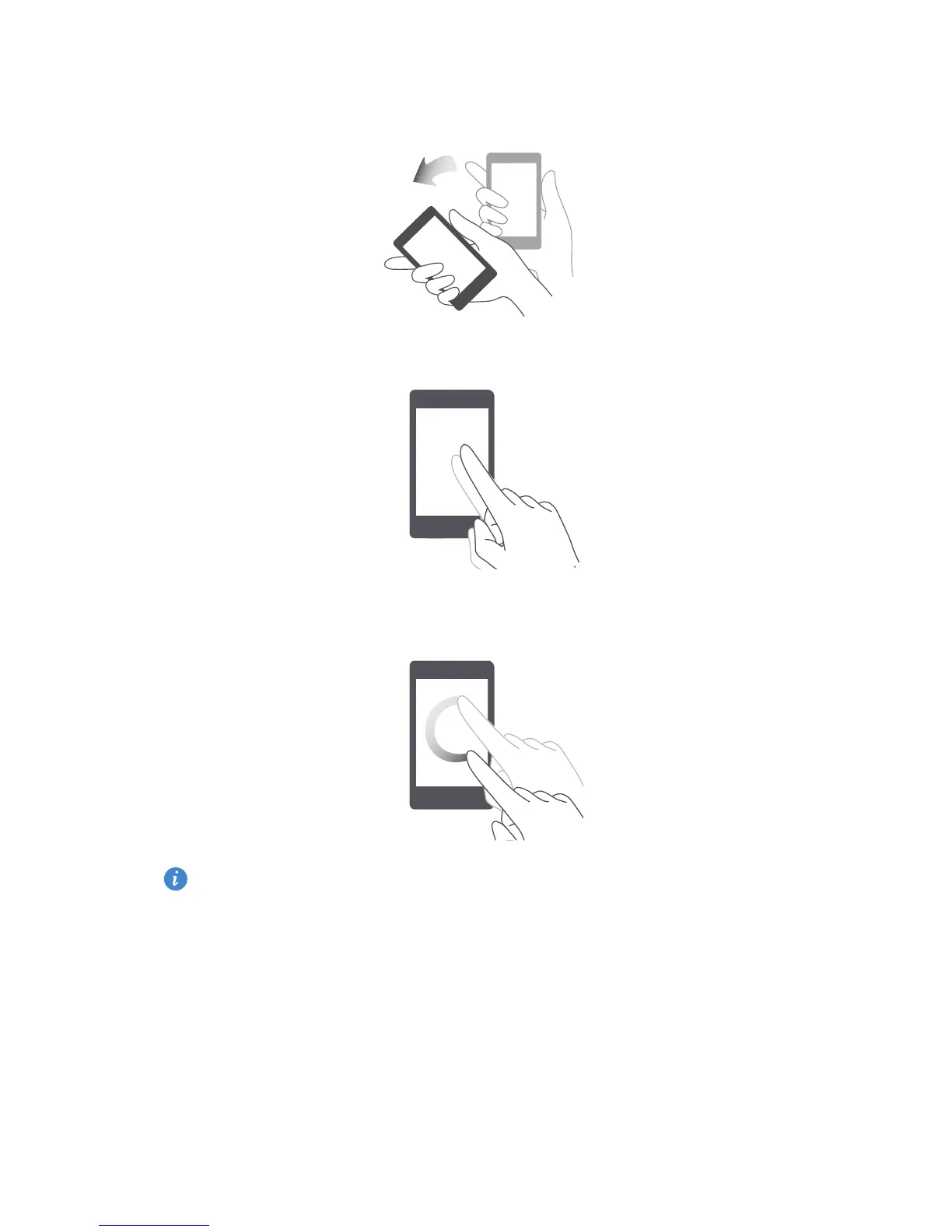
Shake
: Touch and hold a blank area on the home screen to enter editing
mode. Shake your phone to arrange your icons.
•
Double touch
: Double-touch the screen to turn it on.
•
Draw
: When your phone's screen is turned off, draw a letter to open the
corresponding application.
Motion control may vary according to phone models.


 To Next Page