EN 8
Wi-Fi Use
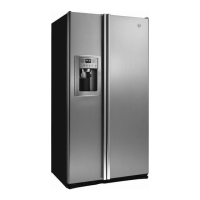
If the Wi-Fi has not been configured yet, when the refrigerator turns on, it will automatically
enter the configuration mode and keep this status for 30 minutes. The Wi-Fi icon blinks and
product enrollment can start.
Follow in app instructions to configure the Wi-Fi (see above)
Once the Wi-Fi is configured and the connection established, the Wi-Fi icon is on
and fixed.
After 30 minutes without performing any operation, the Wi-Fi will automatically
exit the configuration mode
If the Wi-Fi has already been configured, it will automatically reconnect
according to the configuration information.
To reset the Wi-Fi, press Wi-Fi key and SET key for 2s.
To turn off the Wi-Fi, press Wi-Fi key for 3s.
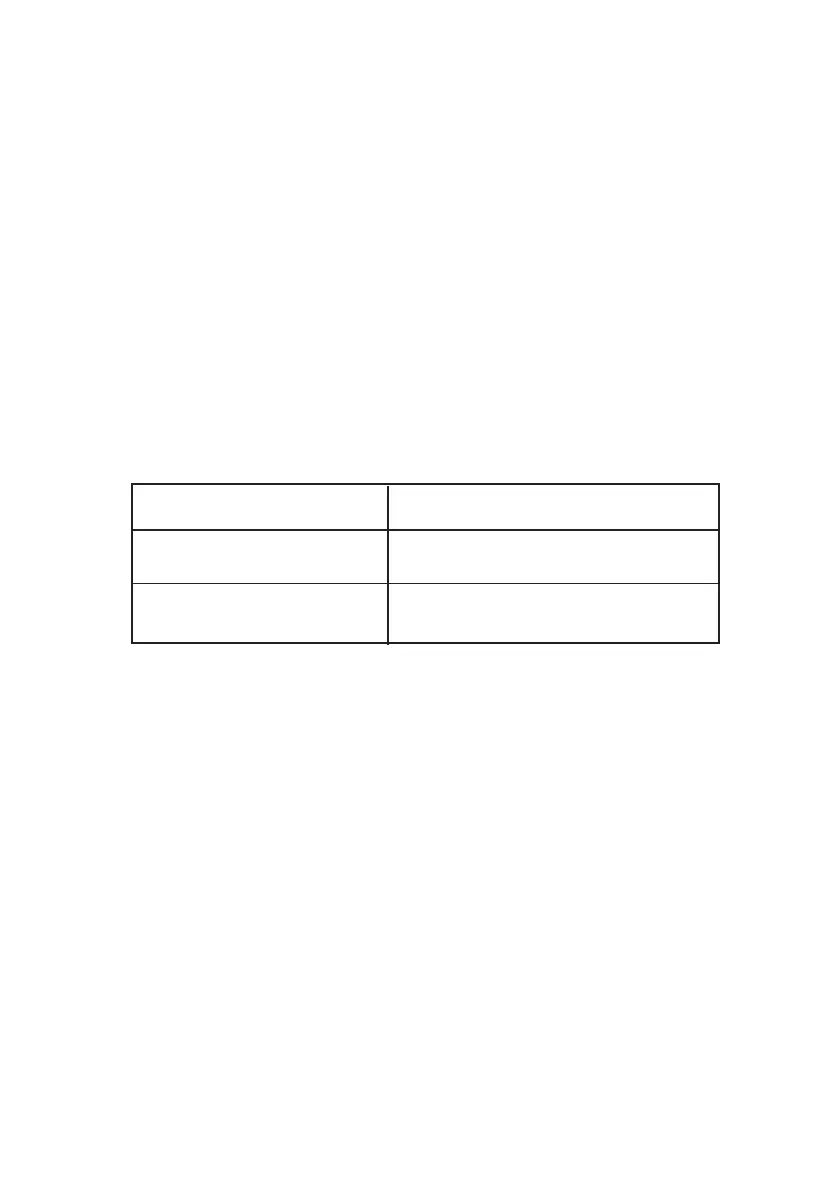
Radio-module - Technical data
Radio equipment type is in compliance with Directive 2014/53/EU.
Frequency rate (OFR)
2400 MHz-2843.5 MHz
100 mW
2412...2472 MHz(step size 5 MHz)
Channel frequencies
Maximum power(EIRP)


 To Next Page
 Loading...