EasyManua.ls Logo

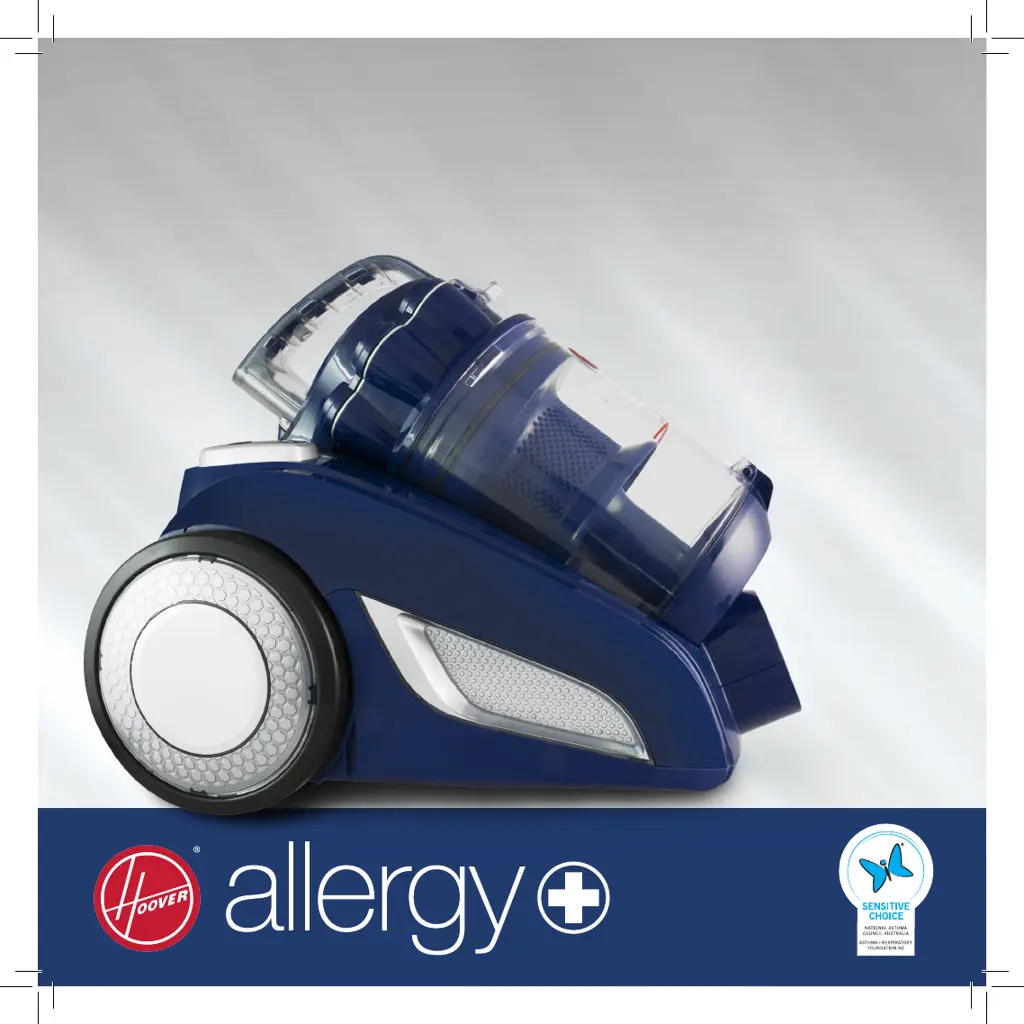
Hoover allergy 7011PH - User Manual

Hoover allergy 7011PH
20 pages
Print Icon
To Next Page IconTo Next Page
Loading...
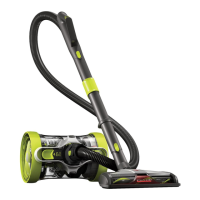
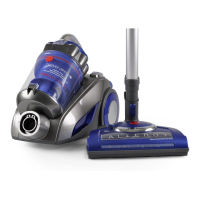
Bagless Vacuum Cleaner with
Deep Cleaning Powerhead
Carbon & HEPA Filtration
Multi-Cyclonic Technology
Self-Propelling Powerhead

Questions and Answers

  • J
    jessicahunterAug 5, 2025
    Why is my Hoover Vacuum Cleaner losing suction?
    • K
      Karen ClarkAug 5, 2025
      If your Hoover Vacuum Cleaner's performance is declining, switch off the machine and inspect it for any blockages. Remove any obstructions you find. Also, check if the pre-motor filter is clogged with dust; clean or replace the pre-motor and rear-motor filters as needed. Finally, ensure you clean any accumulated dust inside the dust container and the blue cyclone filter.
  • T
    Timothy GarciaAug 11, 2025
    How to fix a Hoover Vacuum Cleaner that won't turn on?
    • D
      Dr. Christy Porter PhDAug 11, 2025
      If your Hoover Vacuum Cleaner isn't turning on, first ensure the power cable is securely inserted into the power supply by removing and reinserting it. Then, check that the On/Off button is in the “On” position.
  • D
    douglasmooreAug 19, 2025
    What to do if my Hoover Vacuum Cleaner is making a loud noise?
    • X
      xjohnsonAug 19, 2025
      If your Hoover Vacuum Cleaner is making an unusual noise, immediately turn it off. Inspect the appliance for any blockages and clear them. Also, ensure that the dust container or powerhead is securely installed.
  • B
    Brenda BurtonAug 27, 2025
    Why is the powerhead on my Hoover allergy 7011PH not working?
    • C
      Christopher PhillipsAug 27, 2025
      If the powerhead on your Hoover Vacuum Cleaner isn't working, check that the On/Off button is in the “On” position and that the powerhead is correctly installed. Turn off the cleaner and allow it to cool down for 20 minutes. Remove any large objects that may be trapped around the agitator bar. Ensure nothing is pressing on the top of the powerhead. Adjust the powerhead height to match the surface you are cleaning.

Summary

Assembly Instructions

Flexible Hose Assembly

Fitting and removing the flexible hose to the vacuum cleaner unit.

Handle and Rod Connection

Connecting the vacuum cleaner handle to the telescopic tube and powerhead.

Vacuum Cleaner Accessories

Powerhead Usage

Deeply cleans carpets with adjustable height for different carpet types.

Combination Floor Tool

Multi-purpose tool switching between carpet and hard floor cleaning.

Crevice Tool

Eliminates dust from hard-to-reach places like corners and between cushions.

Dusting Brush

Cleans blinds, bookshelves, and lampshades easily.

Instructions for Use

Turning the Cleaner On and Off

Steps for powering the vacuum cleaner on and off using the main button.

Operating the Handle Controls

Operating the powerhead and regulating suction power with the handle controls.

Rewinding the Power Cable

Procedure for safely rewinding the power cable using the rewind button.

Maintenance Procedures

Vacuum Cleaner Storage Guidelines

Guidance on disconnecting and storing the vacuum cleaner when not in use.

Emptying the Dust Container

Steps for safely removing and emptying the dust container.

Hoover allergy 7011PH Specifications

General IconGeneral
BrandHoover
Modelallergy 7011PH
CategoryVacuum Cleaner
LanguageEnglish

Related product manuals