EasyManua.ls Logo

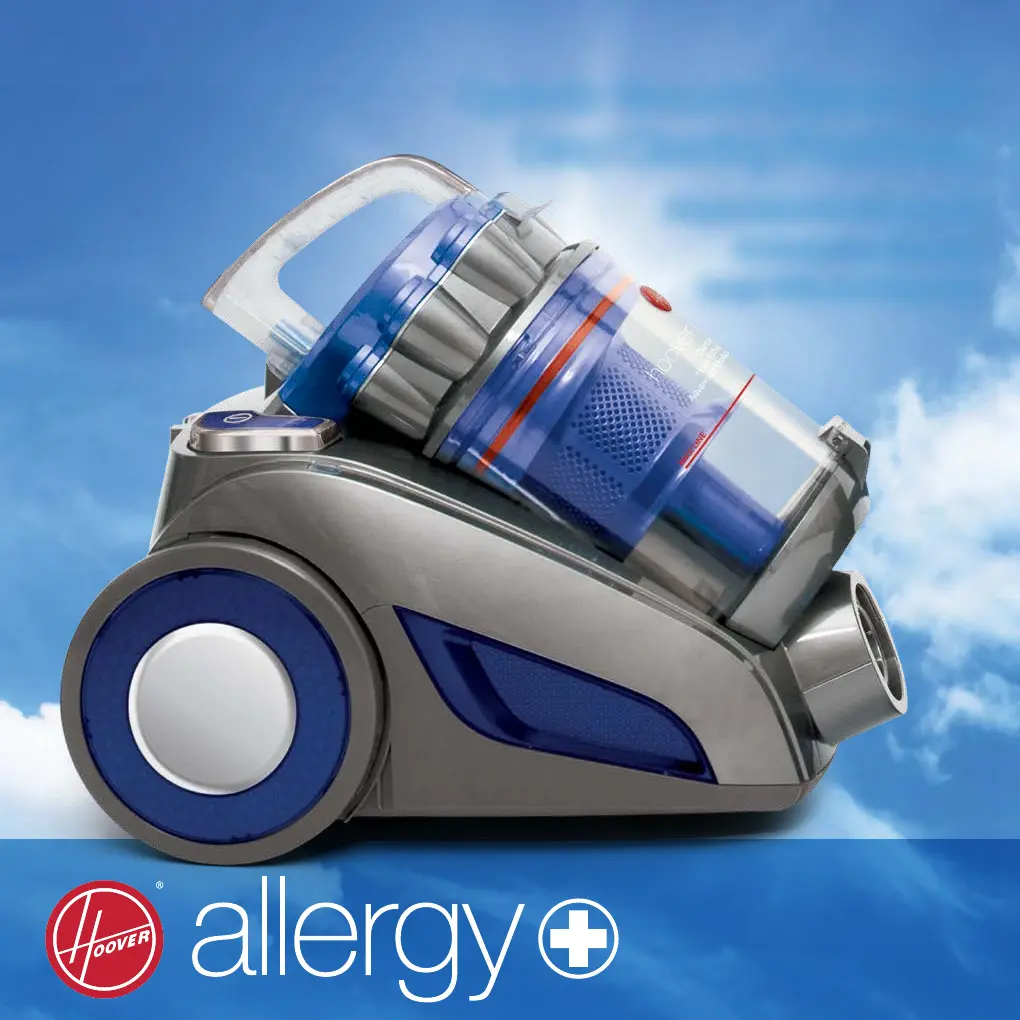
Hoover 7011PH Allergy - User Manual

Hoover 7011PH Allergy
20 pages
Print Icon
To Next Page IconTo Next Page
Loading...
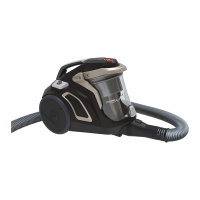
Cyclonic Vacuum Cleaner with
Deep Cleaning Powerhead
Height Adjustable Powerhead
HEPA Carbon Filtration
Large 1.75L Dust Capacity

Questions and Answers

  • C
    Carlos PowellAug 1, 2025
    Why is the vacuum performance deteriorating on my Hoover 7011PH Allergy?
    • C
      Christopher SmithAug 1, 2025
      If you notice the vacuum performance is deteriorating, switch off the machine. Inspect the appliance for any blockages and clear them. Also, check if the air-inlet filter is dusty; clean any rubbish or replace the air-inlet and air-outlet HEPA filters. Finally, clean the remaining dust inside the dust container and blue cyclone filter.
  • K
    Kristopher TerryAug 6, 2025
    How to fix a Hoover Vacuum Cleaner that will not turn on?
    • D
      Dean PhillipsAug 6, 2025
      Check that the power cable is securely inserted; remove it from the power supply and then reinsert it. Also, verify that the on/off switch is in the “ON” position.
  • A
    Ashley ClarkAug 11, 2025
    What to do if my Hoover Vacuum Cleaner powerhead is not working?
    • J
      John RodriguezAug 11, 2025
      First, ensure the on/off button is in the “ON” position and that the powerhead is correctly installed. If it's still not working, turn off the cleaner and let it cool down for 20 minutes. Check for and remove any large objects trapped around the roller bar. Also, make sure nothing is pressing on the top of the powerhead. Adjust the powerhead height to suit the cleaning area.
  • M
    Madeline MorseAug 16, 2025
    What to do if my Hoover 7011PH Allergy Vacuum Cleaner is making an abnormal sound?
    • W
      William SmithAug 16, 2025
      If your cleaner is making an abnormal sound, turn it off immediately. Check for any blockages in the appliance and clear them. Also, ensure that the dust bin or powerhead is securely installed.
  • R
    Renee Russell PhDAug 21, 2025
    What to do if my Hoover Vacuum Cleaner mattress cleaning tool is not working?
    • M
      Mark GonzalesAug 22, 2025
      The mattress cleaning tool will only work when its brush touches the surface being cleaned. Also, make sure there are no blockages in the brush roller. If issues persist, switch off the machine and again check the brush roller for any blockages.
  • S
    Selena Sanders DVMAug 27, 2025
    What to do if my Hoover 7011PH Allergy hand turbo tool is not working?
    • T
      thomasrobertAug 27, 2025
      The hand turbo tool will only start working when its brush touches the surface being cleaned. Also, ensure there are no blockages in the brush roller of the hand turbo tool.

Summary

Before You Begin

Precautionary Measures

Essential safety guidelines to follow before operating the vacuum cleaner.

Safety Precautions & Warnings

General Safety Guidelines

Key precautions for safe operation, handling, and electrical safety.

Assembly

Maintenance

Storage and Dust Container Cleaning

Proper storage methods and instructions for cleaning the dust container.

Maintenance (continued)

Troubleshooting

Problems and Solutions

Checklist of common issues and their recommended solutions for the vacuum cleaner.

Hoover 7011PH Allergy Specifications

General IconGeneral
Model7011PH Allergy
CategoryVacuum Cleaner
Power700 W
Filter TypeHEPA
Noise Level78dB

Related product manuals