5
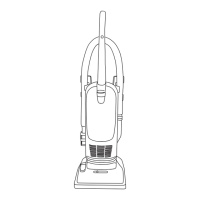
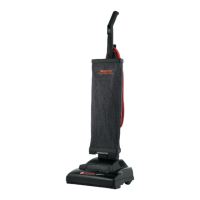
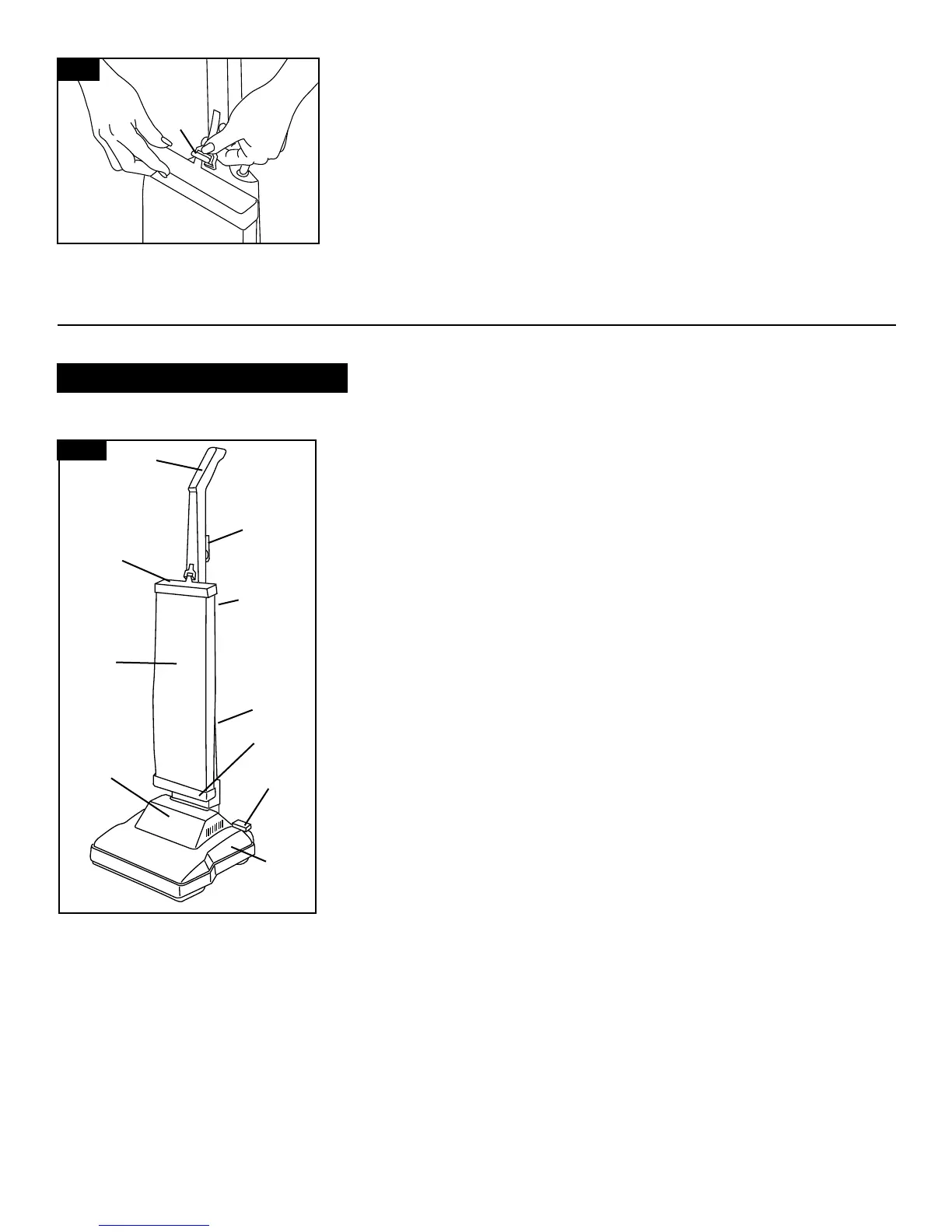
The assembled cleaner will look like the
drawing.
1. Handle
2. Cord hooks: wrap cord around hooks
for storage.
3. Top bag support
4. ON/OFF switch: located on side of
handle
5. Outer bag
6. Bottom bag support
7. Handle release lever: step on lever to
lower handle to operating or low posi-
tion.
8. Cleaner body
9. Hood
Operate cleaner only at voltage speci-
fied on data plate on bottom of cleaner.
16
Continued
➜
W
On upper front handle, grasp bag
clip (W) and pull down firmly. Hook
bag clip into slot in bag cap.
1
2
3
4
7
5
6
8
9
2
17
How to use
Cleaner description


 To Next Page
 Loading...