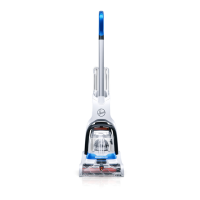
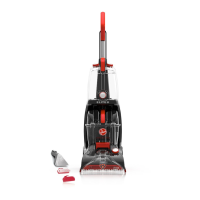
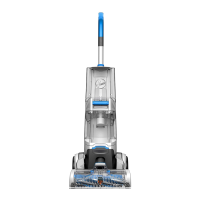
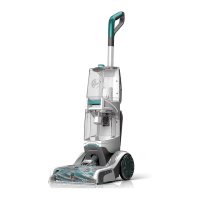
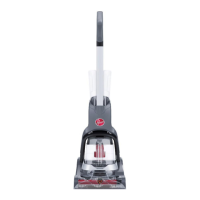
1. CLEANER ASSEMBLY
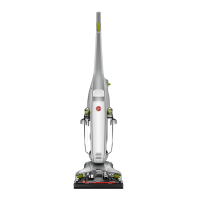
A. Hard floor cleaner
B. Upper handle
C. Brush assembly
D. Nozzle
E. Hard Floor Cleaning Detergent
1.2 Rotate bottom handle support (A) up to the
upright position until a snap is felt.
1.3 Align control rod (B) on upper handle (C) with
slot in bottom handle support (D).
Push upper handle (C) all the way down until you
hear it snap in place.
ATTACH HANDLE
CARTON CONTENTS
1.1
Remove all parts from carton and identify each
item shown.
Make sure all parts are located before disposing of
packing materials.
NOTE: Phillips screwdriver needed for assembly.
A
B
E
C
D
1.2
5
1.3
A
B
C
D
1.4
INSTALL BRUSHES AND NOZZLE
1.4 To install brushes, place handle in upright
position. Tilt cleaner back so that it rests on the
floor.
Align post (A) on brush block with hole (B) on
bottom of cleaner. Turn brushes slightly until post
fits easily into hole.
1.5 Press brush assembly firmly to snap into place.
1.6 To install nozzle, make sure latches (C) are out.
Align middle section (D) of nozzle with opening (E)
on cleaner.
Remove cardboard packing insert from squeegee
area on underside of nozzle.
1.7 While holding nozzle in place, slide latches
inward to lock in place.
1.5
1.6 1.7
A
B
C
D
E


 To Next Page
 Loading...