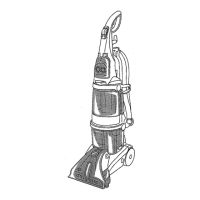
Features:
6
Cleaning Modes:
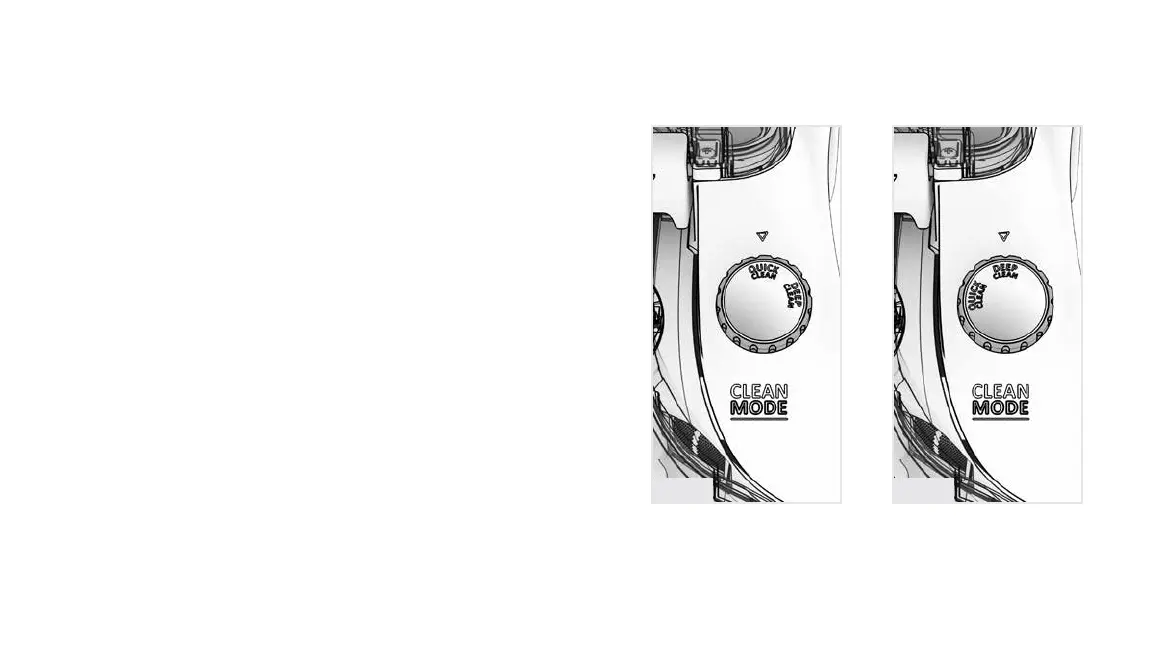
1. Turn the cleaning mode selection dial on the base of the unit to
choose your preferred cleaning mode. Align arrow to preferred
mode.
a. Quick Clean Mode: Best for a quick, surface clean because
carpets dry in less than 1 hour.
b. Deep Clean Mode: Best overall results for a thorough, deep clean.
Fig. A Fig. B





 To Next Page