6
ACCESSORIES
OPERATING YOUR CLEANER
Additional Accessories
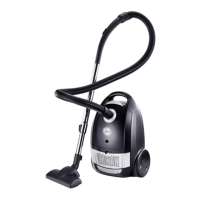
Your Hoover vacuum cleaner has been designed
to handle a number of cleaning chores,
effortlessly and effi ciently.
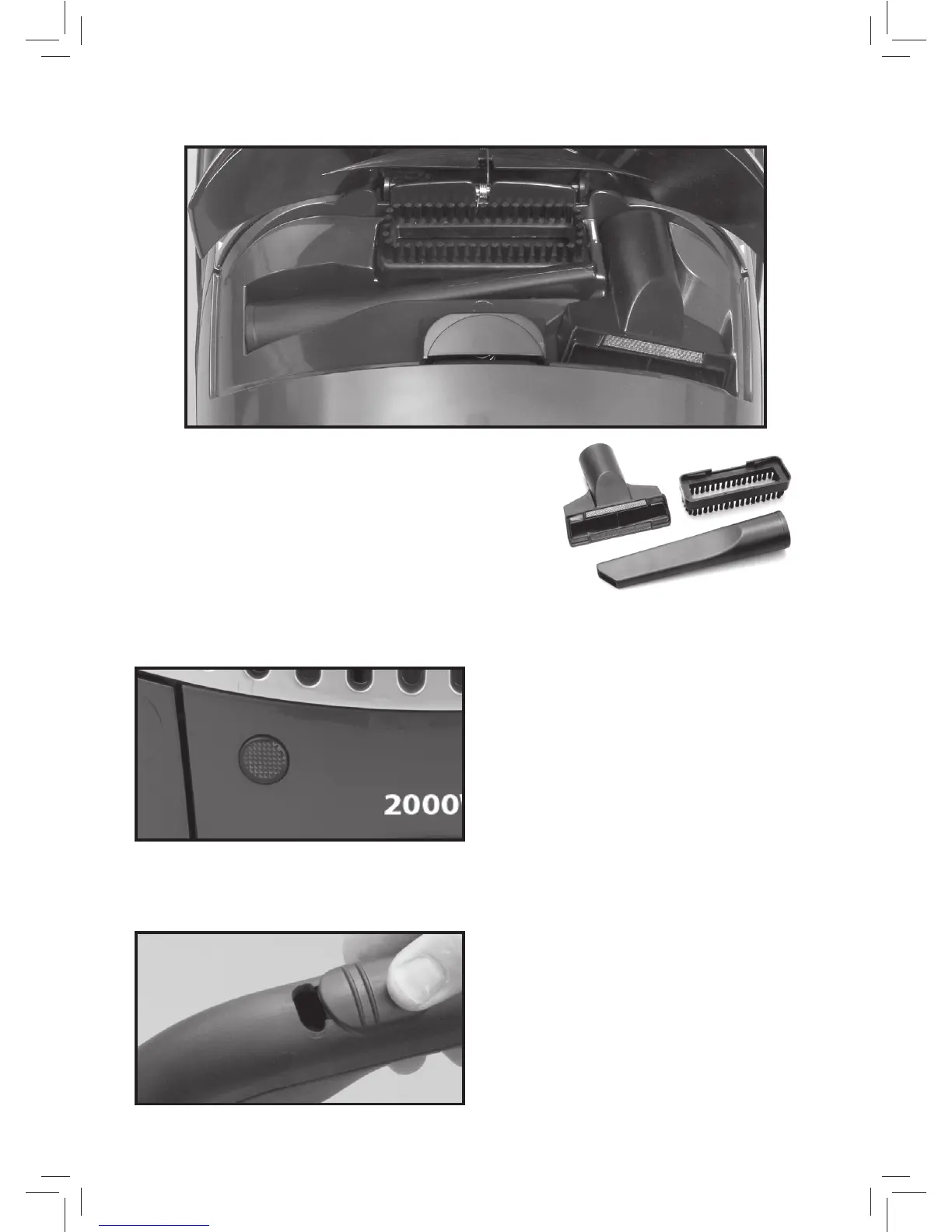
Accessories, including a crevice tool, upholstery
brush and dustong brush are conveniently located
under the accessory cover.
1. Upholstery Brush
2. Crevice Tool
3. Dusting Brush
Dust-full Indicator
If the Dust-full Indicator changes to RED
while you are cleaning, the dust-bag
needs replacing. If the Dust-full Indicator
continues to display RED even after
changing the bag, turn the cleaner off,
disconnect from mains supply and check to
see if the fi lters are dirty - replace them if
necessary.
If indicator continues to display red, turn off
and refer to a service agent.
Variable Suction
Control of suction is at your fi ngertips.
Moving the control forwards increases
suction, pulling back on the control reduces
suction.
1
3
2


 To Next Page