19/25
LANGUAGE
Export Import Default Cancel
MAIN SENSOR MACRO LIGHT TEST
Save
Profile 1
ENGLISH
Macro Selection Macro Editor
Setting
Delete
New
CUSTOM 0
Recorded Interval
Record/Stop
Fixed Interval 0.05 Seconds
Delete
Insert
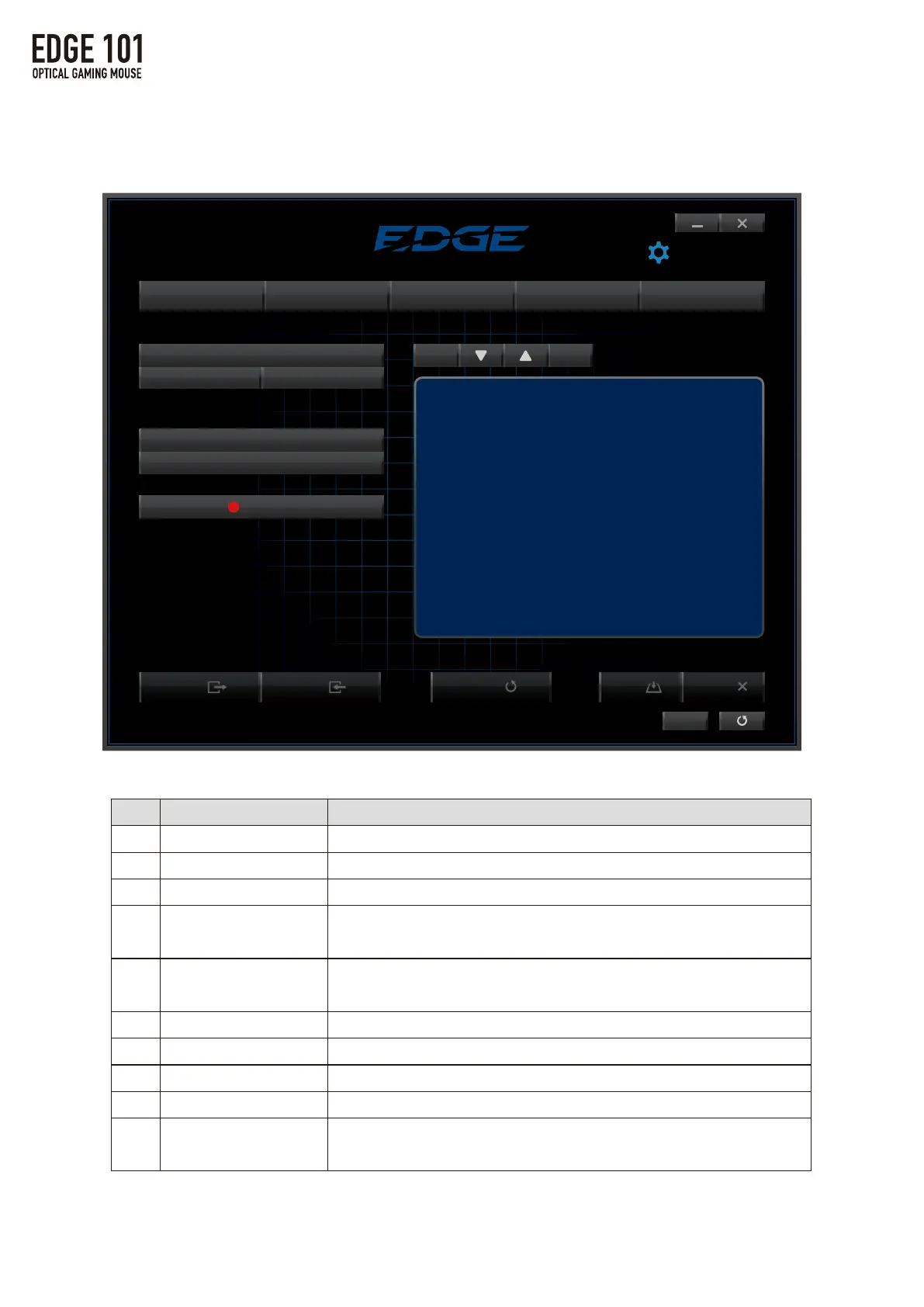
3.MACROSettings
①
②
③
④
⑤
⑥
⑦
⑧
⑨
⑩
Name
Macroselection
New
Delete
RecordedInterval
FixedInterval
Record/Stop
Delete
Down
Up
Insert
Function
Displaysalistofallsavedmacrostoconfirmoredit.
Createanewmacro.
Deletesavedmacros.
Saveamacroattheactualinputspeedrecorded.
(Seedetailsonpg.21)
Saveamacrowithasettimeintervalbetweeneachinput.
(Seedetailsonpg.21)
Recordorstoprecordingamacro.
Deletetheselectedinput.(Seedetailsonpg.22)
Moveselectedinputdown.(Seedetailsonpg.22)
Moveselectedinputup.(Seedetailsonpg.22)
Insertanewcommandintotheselection.
(Seedetailsonpg.22)
①
②
③
④
⑤
⑥
⑦ ⑧ ⑨
⑩
3.MACROSettings



 To Next Page