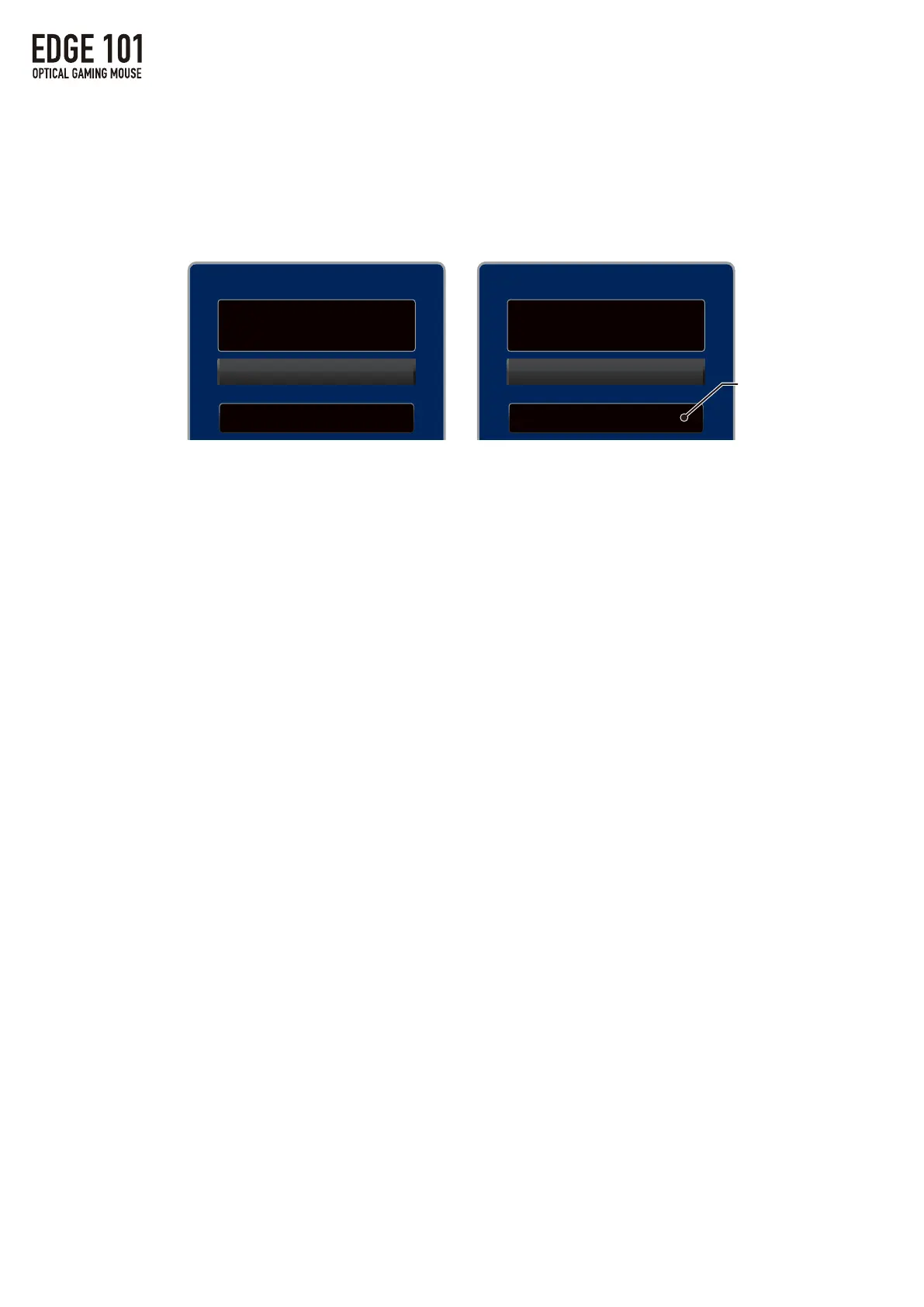
Scroll Button
Button Assignment
Keyboard Functions
Select a Key
Scroll Button
Button Assignment
Keyboard Functions
Select a Key
Select a Key After Double Click
6/25
1.MAINSettings
②KeyboardFunctions
・Keyboardfunctionscanbeassignedtotheselectedbuttonbydouble-clicking
theSelectaKeyAfterDoubleClickbuttonthensettingthedesiredkey
bytypingitonthekeyboard.
・AllkeysexceptESC,Window,andFunctioncanbeassigned.
・Shift+[key],Alt+[key],Ctrl+[key]combinationscanalsobeassigned.
Keyinputdisplayed
here



 To Next Page