Cancel
X-axis Fixed
DPI Setting Down
DPI Setting Up
DPI Switch
Y-axis Fixed
DPI Switch
Scroll Button
Button Assignment
Save
Sensitivity Settings
Sensitivity Settings
8/25
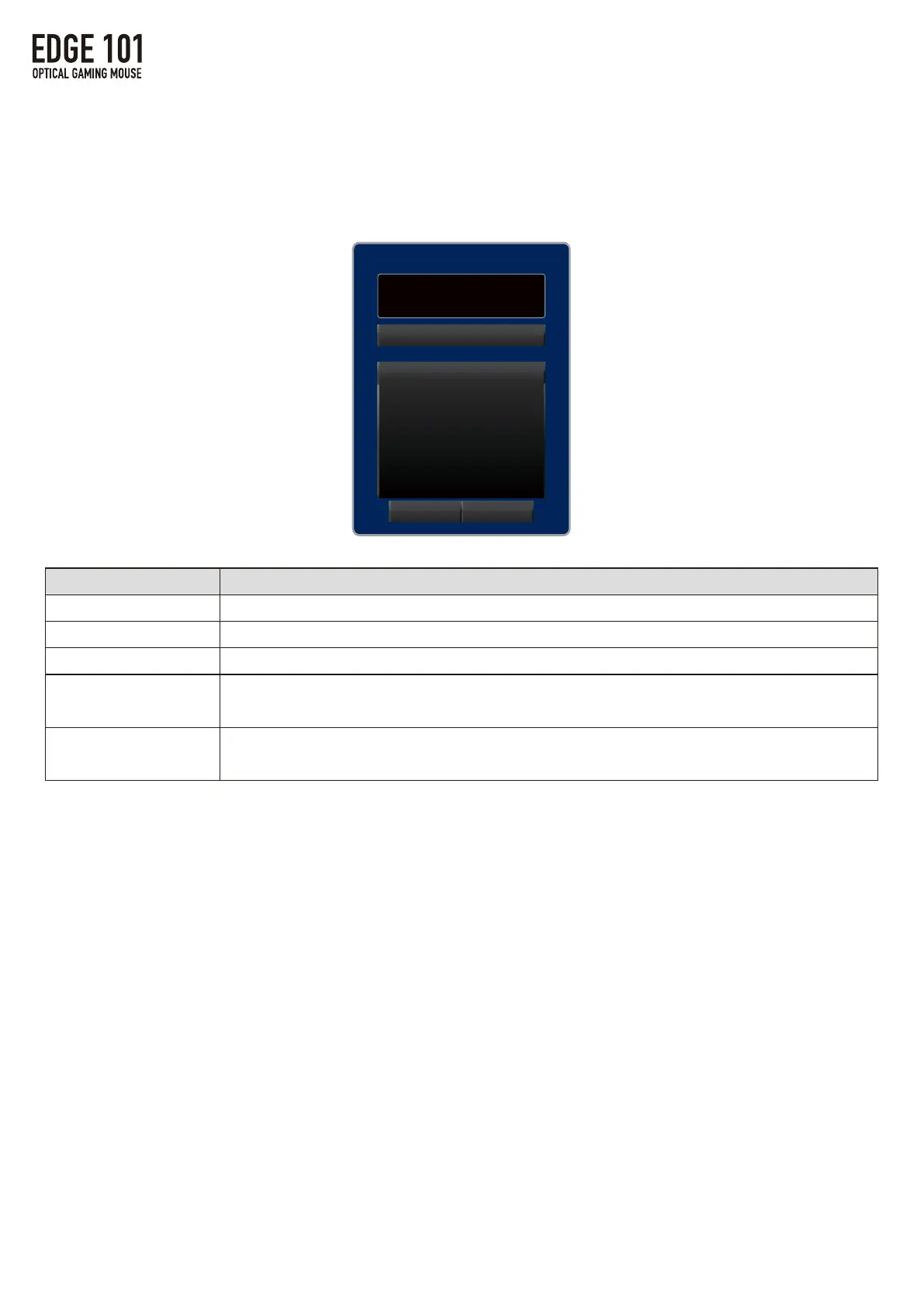
④SensitivitySetting
・Mousesensorsensitivityadjustmentfunctionscanbeassignedto
theselectedmousebutton.
1.MAINSettings
Name
DPISwitch
DPISettingUp
DPISettingDown
X-axisFixed
Y-AxisFixed
Function
CyclethroughDPI1toDPI5settingssavedintheSENSORSettingstab.
IncreaseDPIby50witheachclick
DecreaseDPIby50witheachclick.
WhileholdingthebuttonthecursorwillonlymovealongtheX-axis(horizontally).
CursorwillnotmovealongtheY-axisevenwhenmouseismovedvertically.
WhileholdingthebuttonthecursorwillonlymovealongtheY-axis(vertically).
CursorwillnotmovealongtheX-axisevenwhenmouseismovedhorizontally.



 To Next Page