Digital Command Control
Digital Command Control
For more information visit: www.hornby.com
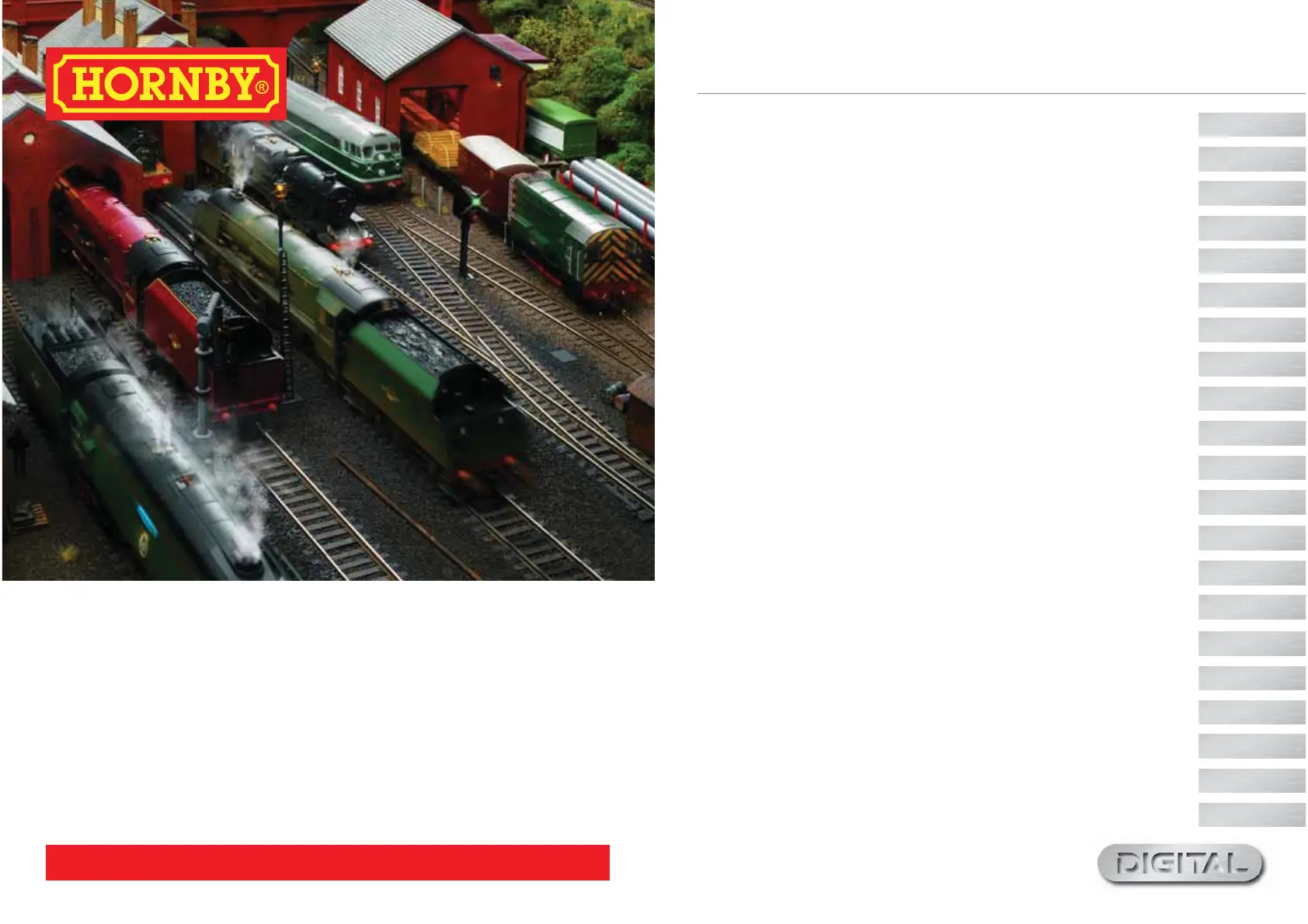
Welcome to the digital Hornby World of model railways.You are about to enjoy a new and exciting experience
when it comes to controlling and operating a model railway.
Using the keypad that is on the Select unit locomotives can be “called up” individually and operated just like the
real thing. Imagine a busy marshalling yard where the locomotives are positioned close together and where
by
using the Hornby Select Digital Controller, Hornby digital locomotives can be manoeuvred from one
place to another without having to worry about the complexities of having to connect metres of wiring to a
bank of switches and isolating sections and hoping the whole thing will work!
The Hornby Digital Control has the ability to address 59 DCC locomotives and 39 points or accessorie
s.
The following instructions are a guide on how to get the best from your Hornby Digital
Control. Please take a little time to read carefully through the instructions before you start to assemble the
track. Should you have any questions then you can contact Hornby via the website.
Hornby Digital Select
Select Unit - Fact File
5
6
Setting Up
About DCC Select
7
Quick Start 8
Adding Locos - Programming 9
Locomotive Acceleration and Deceleration 10
Further Tips and Notes 12
Emergency Stop! 13
Double/Triple Heading
14
Analogue Locomotive Control 16
How many locos can the Select run?
17
Re-setting the Select
Locomotive Function Control
18
Walkabout Mode
19
Master Select Connected to Select ‘walkabout’ Units
20
Speed Step Change
22
Programming Track
24
Hornby Decoders
Making Points ‘Live’
Glossary
Trouble Shooting
25
26
28
29
32
Select
Select


 To Next Page