Setting Off-Peak Heating Periods
5
Resetting the Unit
Sometimes electronic equipment can become scrambled or frozen. To
overcome this you should reset the unit. This can be achieved by holding down
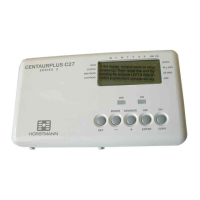
“BOOST, MINUS, PLUS & SELECT” simultaneously.
The unit will now revert back to pre-set factory default off peak times and the
current time will show the time as it was at the time of re-set. The hour will be
flashing and should be adjusted as detailed in the section ‘Setting the time of
day’.
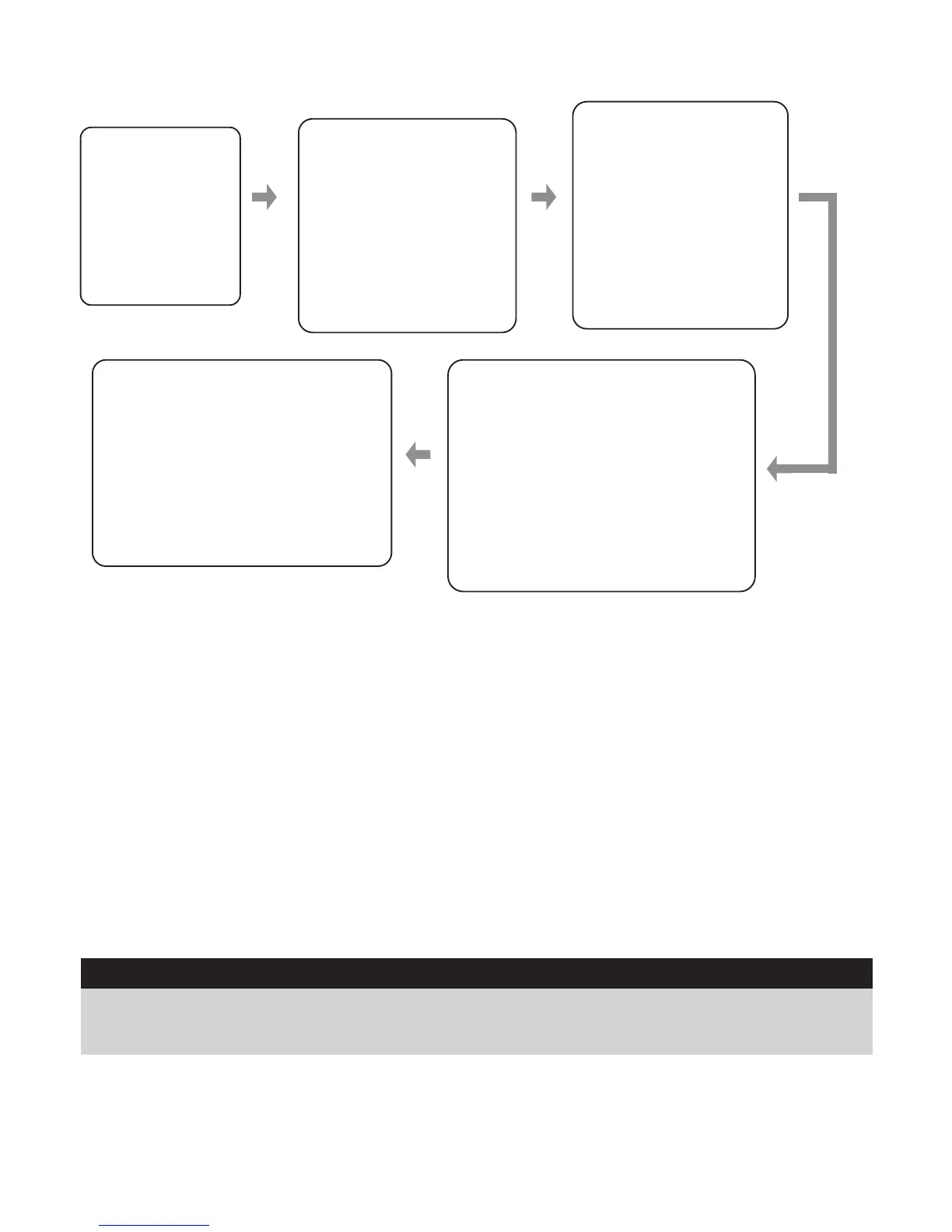
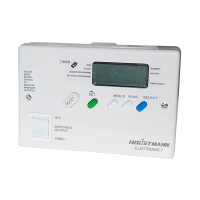
Press the green
SET button until
the indicator on
the left hand side
of the screen is
next to
“OFF PEAK
PROGRAMME”
The time hour will now
flash for the 1st on
time, this can be
adjusted by pressing
the “MINUS” and
“PLUS” buttons. Once
you are happy with the
hour you have selected
press the “SELECT”
button.
This will then make the
minutes flash, which
can be adjusted by
pressing the “MINUS”
and “PLUS” buttons
as required. Once you
are happy with the
minutes, press the
“SELECT” button to
take you to the 1st
off time
Use the “MINUS” and “PLUS”
buttons to adjust the hour. When
you are happy with the hour
selected then press the “SELECT”
button which shall now take you to
the minutes. Press the “MINUS”
and “PLUS” buttons to SELECT
the minutes you require and once
you are happy with the minutes
press the “SELECT” button.
The hour will be flashing on
the 2nd on time, if this is not
required then press the green
“SET” button which will take
you back to the main screen.
However, if you require any
further off-peak periods then
simply repeat the same steps
as above.
Default Time Settings
Default Times
1st ON 1st OFF 2nd ON 2nd OFF 3rd ON 3rd OFF
2:15am 7:15am 12:00am 12:00am 12:00am 12:00am
After re-setting the unit the off-peak heating times will revert back to the default
factory settings, these are shown above, however if you wish to change these
times please proceed as instructed in the Setting Off-Peak Heating Periods
above.


 To Next Page