Hospitex Diagnostics EOS Bravo and EOS Bravo Plus Service Manual
41
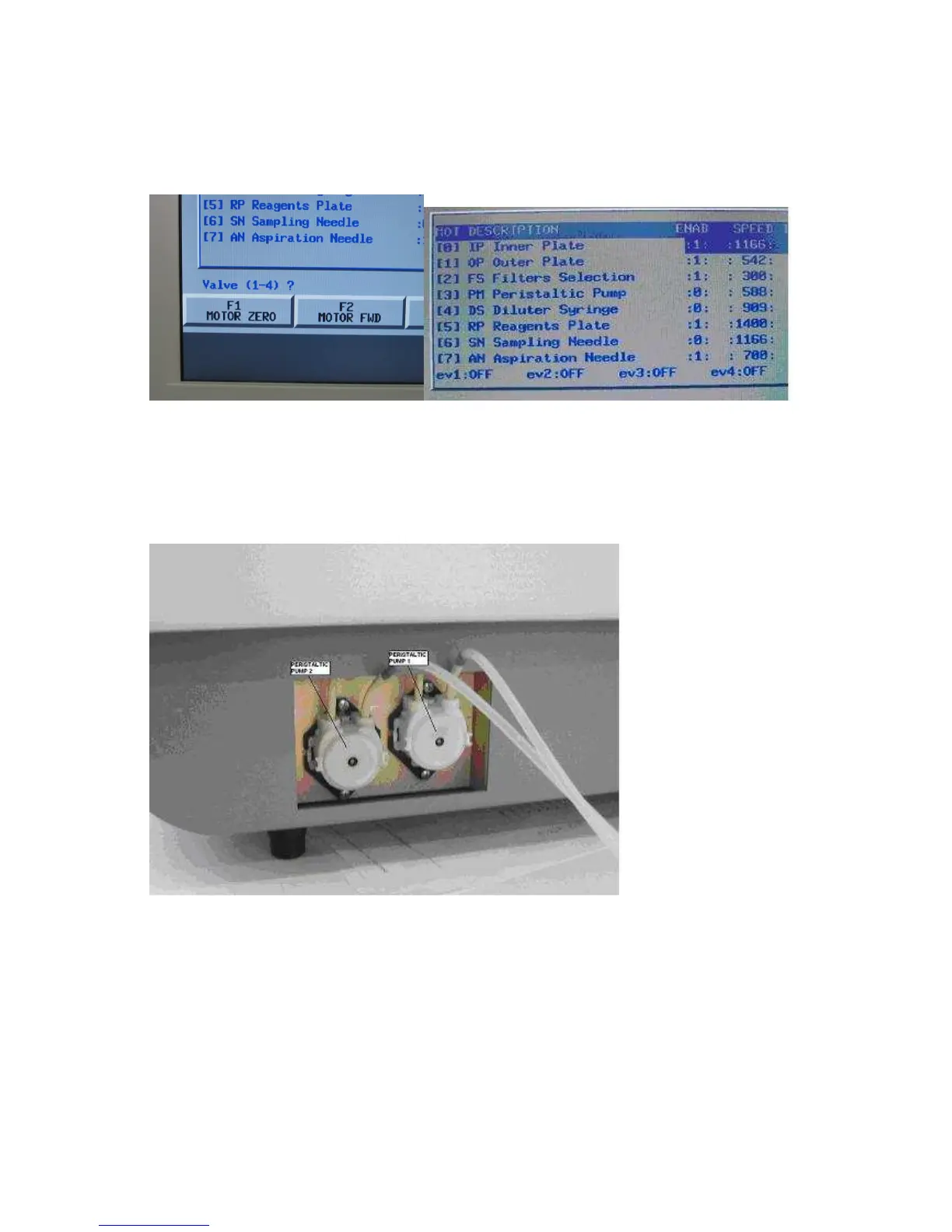
31) verification of the two direct current peristaltic pumps ( only for double cuvette )
functionality using the screen hardware test, pressing in sequence the keys F5 (service), F3
(diagnostics) and again F3 (hardware test) starting from main menu and press the key F4 (valve
on /off) and on video we have the message VALVE ( 1 – 4 ) ?.
Select 3 and verify that the pump relative to the flow cell n°1 is moving in the clock wise
direction.
At the end of this operation press another time 3 to leave the pump in release position.
Select 4 and verify that the pump relative to the flow cell n°2 is moving in the clock wise
direction.
At the end of this operation press another time 4 to leave the pump in release position.



 To Next Page