12
GB
STEP 6. Press the Time/Mode button, until the
'end time' symbol is flashing. The
display will show a default cooking end
time (this will be the current time plus
the cooking duration you set in STEP 5).
The 'end time' symbol will flash.
STEP 7. Turn the +/- control knob to set the time
you wish the cooking to end. After a few
seconds the display the temperature,
cooking duration and end time in turn.
THE COOKING DURATION AND END TIME IS
NOW SET.
The display will show the temperature and cooking
duration when the programme has started.
-
+
Main Oven
Light
Time/Mod
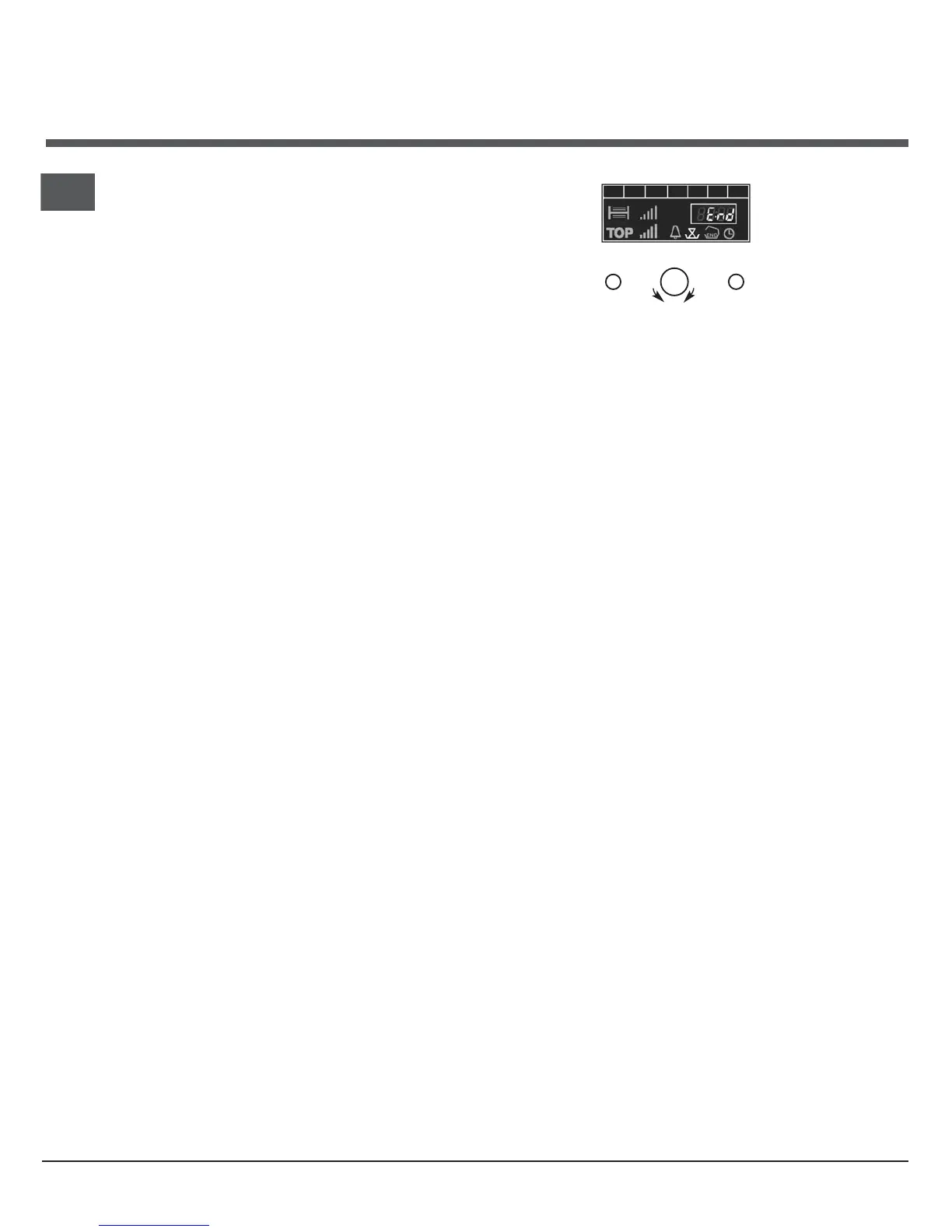
At the end of the cooking duration, 'End' and the
'cooking duration' symbol will show in the display
and an audible tone will be heard for a few seconds.
Turn the main oven control to 'O', the OFF position to
switch the oven off. The display will revert back to
the time of day.
To cancel the automatic mode at any time turn the
main oven control to 'O', the OFF position.
Note: At any time up to the start of cooking, the
cooking end time, cooking duration and the
temperature will be shown in the display.
Electronic Clock & Automatic
Cooking Feature



 To Next Page