EasyManua.ls Logo

Hotpoint HDF310PGRWW - User Manual

Hotpoint HDF310PGRWW
72 pages
Print Icon
To Next Page IconTo Next Page
Loading...
Write the model and serial
numbers here:
Model # _________________
Serial # _________________
You can find them on a label on
the tub wall just inside the door.
GE is a trademark of the General Electric Company. Manufactured under trademark license.
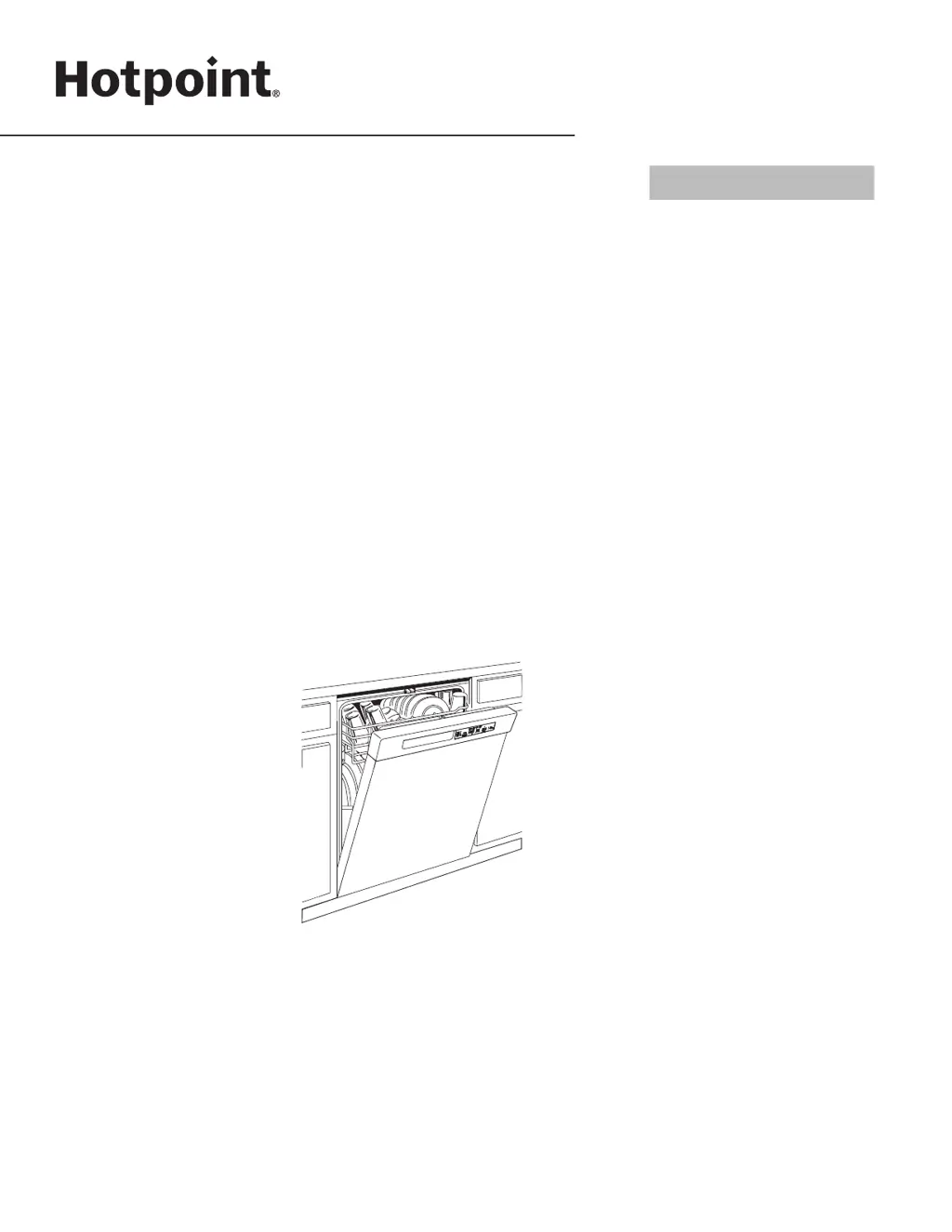
OWNER’S MANUAL
DISHWASHERS
49-4000228 09-20 GEA
ENGLISH/FRANÇAIS/
ESPAÑOL
HDF310-360 Series
SAFETY INFORMATION .........3
USING THE DISHWASHER
Getting Started ........................5
Dispensers ............................8
Appliance Communication .............10
Loading ............................. 11
CARE AND CLEANING ............17
TROUBLESHOOTING TIPS ......19
LIMITED WARRANTY ...........23
CONSUMER SUPPORT ......... 24

Questions and Answers

  • M
    Manuel ArroyoAug 5, 2025
    Why are dishes and flatware not clean in my Hotpoint HDF310PGRWW?
    • M
      Mark GutierrezAug 5, 2025
      If your Hotpoint Dishwasher isn't cleaning dishes and flatware properly, several factors could be at play: * The Ultra-Fine Filter assembly or Fine Filter might be clogged (see the Care and Cleaning section). * The inlet water temperature may be too low. Ensure it's correct and use Wash Temp Boost/High if available. * Water pressure could be temporarily low. Wait until it returns to normal (20-120 psi). * The air gap or disposer might be clogged; clean them. * The high drain loop or air gap may not be installed correctly (refer to the Installation Instructions). * Improper rack loading could be blocking the detergent dispenser or wash arms (see the Loading section). * You may be using a poor-performing detergent; switch to high-quality detergents.
  • L
    Leslie BakerAug 9, 2025
    What to do if the start status indicator light is flashing on my Hotpoint HDF310PGRWW Dishwasher?
    • M
      Melissa TurnerAug 10, 2025
      If the start status indicator light is flashing on your Hotpoint Dishwasher, it means the door was opened or the cycle was interrupted. To restart, press the Start pad once and close the door within 4 seconds. If you want to cancel the cycle while it's running, press the Start pad a second time. If the problem continues, call for service.
  • S
    smithdannyAug 14, 2025
    Why does my Hotpoint Dishwasher beep once every minute?
    • M
      Melissa HigginsAug 14, 2025
      If your Hotpoint Dishwasher is beeping once every minute, it's a reminder that the door has been left open during operation. To stop the beeping, press the Start button and close the door.
  • M
    Mr. Steven AndradeAug 18, 2025
    What to do if water is standing in the bottom of my Hotpoint HDF310PGRWW Dishwasher?
    • H
      Hannah BrownAug 18, 2025
      If water is standing in the bottom of the tub of your Hotpoint Dishwasher, it could be due to a clogged air gap (clean the air gap, refer to the Care and Cleaning section) or an improperly installed high drain loop or air gap (refer to the Installation Instructions for proper drain line installation).
  • J
    Jeremy KingAug 22, 2025
    What to do if water won’t pump out of the tub in my Hotpoint Dishwasher?
    • R
      Robert AguilarAug 22, 2025
      If water won’t pump out of the tub of your Hotpoint Dishwasher, the drain might be clogged. If you have an air gap, clean it (see the Care and Cleaning section). If the dishwasher drains into a disposer, run the disposer to clear any blockage. Also, check if your kitchen sink is draining well; if not, you may need a plumber.
  • K
    Keith BartlettAug 27, 2025
    Why does my Hotpoint HDF310PGRWW have spots and filming on glasses and flatware?
    • S
      Scott BishopAug 27, 2025
      To address spots and filming on glasses and flatware in your Hotpoint Dishwasher, consider the following: * If you have extremely hard water, use high-quality rinse agents. A softener may be required. * Ensure your inlet water temperature is at least 120°F (49°C). * Avoid overloading the dishwasher and load it properly. * Use fresh, high-quality detergent. * Refill the rinse agent dispenser with high-quality rinse agents. * Use the proper amount of highly-rated detergent. * If you have soft water, use less detergent to prevent etching. * If using a low-performing phosphate-free detergent, refer to the section on white film on glassware.
  • J
    Jacqueline JonesAug 31, 2025
    How to turn off beeping at the end of the cycle on Hotpoint HDF310PGRWW?
    • M
      Mr. Joseph SaundersAug 31, 2025
      To turn off or re-activate the double beep indicator at the end of the cycle on your Hotpoint Dishwasher, press the Heated Dry pad 5 times within 3 seconds. A triple beep will indicate whether the end-of-cycle beep option has been turned on or off.

Summary

Safety Information

Installation, Maintenance, and Electrical Safety

Covers safe installation, maintenance, electrical requirements, and proper disposal of the dishwasher.

Operational and Hazard Safety Precautions

Addresses safe operation, water heater risks, child entrapment, preventing minor injuries, and property damage.

Using the Dishwasher

Getting Started and Cycle Selection

Steps for initial operation, including loading, detergent, rinse aid, and choosing wash cycles.

Care and Cleaning

Filter Maintenance

Guide to cleaning the Ultra-Fine Filter assembly and Fine Filter for optimal wash performance.

Troubleshooting Tips

Common Problems and Solutions

Addresses issues like flashing lights, beeping, dishes not clean, spots, and cloudiness with possible causes and fixes.

Troubleshooting Specific Issues

Solutions for suds, detergent retention, marks on dishes, drying problems, and cycle timing.

Hotpoint HDF310PGRWW Specifications

General IconGeneral
TypeBuilt-In
ColorWhite
Capacity14 place settings
Energy Star CertifiedYes
Control TypeElectronic
Delay StartYes
Soil SensorYes
Third RackNo
Height34 inches
Width24 inches

Related product manuals