25 of 25
Service Manual UK
Whirlpool UK Appliances Ltd
English
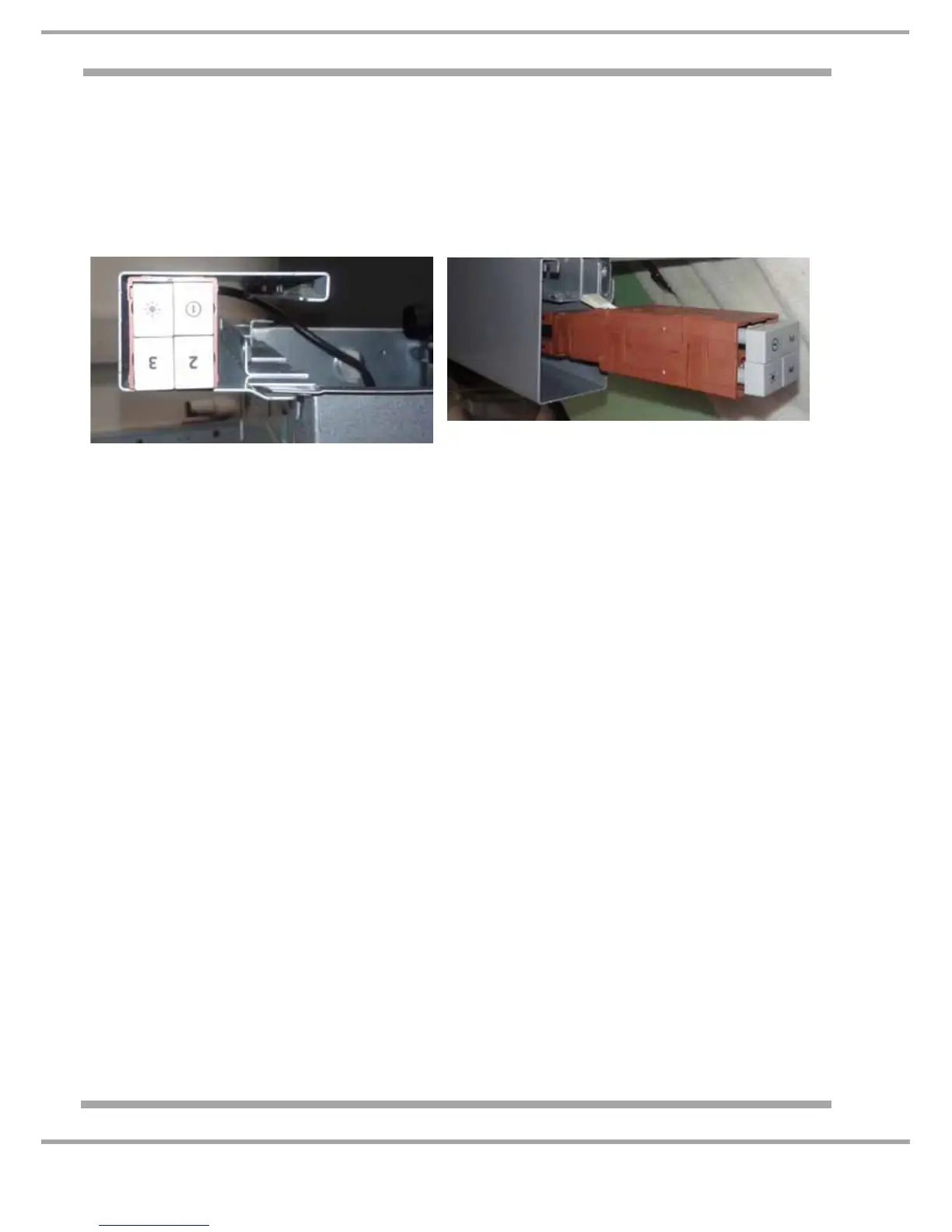
5. Push Button Control Panel & Buttons
a) Invert the hood and place upon a protected surface.
b) Remove the grease filter and carbon filters (if fitted).
c) It is recommended to remove the slider assembly at this point (4 screws) and also the lamp cover
surround, 2 screws T10.
d) Carefully unclip the surround for the buttons. The buttons can now be pulled off if replacing is
required.
e) Slide the switch assembly out of the casing and release the motor plug.
f) Reassemble in reverse order.




 To Previous Page