GB
6
Maintenance and
cleaning
• Before any cleaning or maintenance operation,
always disconnect the appliance from the power
supply.
• Periodically clean the appliance with a cloth and a
solution of lukewarm water and neutral detergent
specific for refrigerator interiors.
• Never use detergents or abrasives. Never clean the
refrigerator parts with flammable liquids. The fumes
can cause fires or explosions.
• Clean the outside of the appliance and the door
seals with a damp cloth and dry with a soft cloth.
• Do not use steam cleaners.
• Clean the condenser using a vacuum cleaner,
remove the front kickplate (see installation
handbook).
• The buttons and control panel display (located on
the freezer door on some models) must be cleaned
with a dry cloth; do not use alcohol or alcohol-
derived substances.
• The refrigerant system pipes are located near the
defrost pan and can become very hot. Periodically
clean them with a vacuum cleaner.
Replacing light bulbs
Attention
• Always disconnect the refrigerator from the power
supply before replacing any light bulbs.
• Before replacing the light bulb, remove the light
guard that may be present. This will have to be put
back after replacing the light bulb.
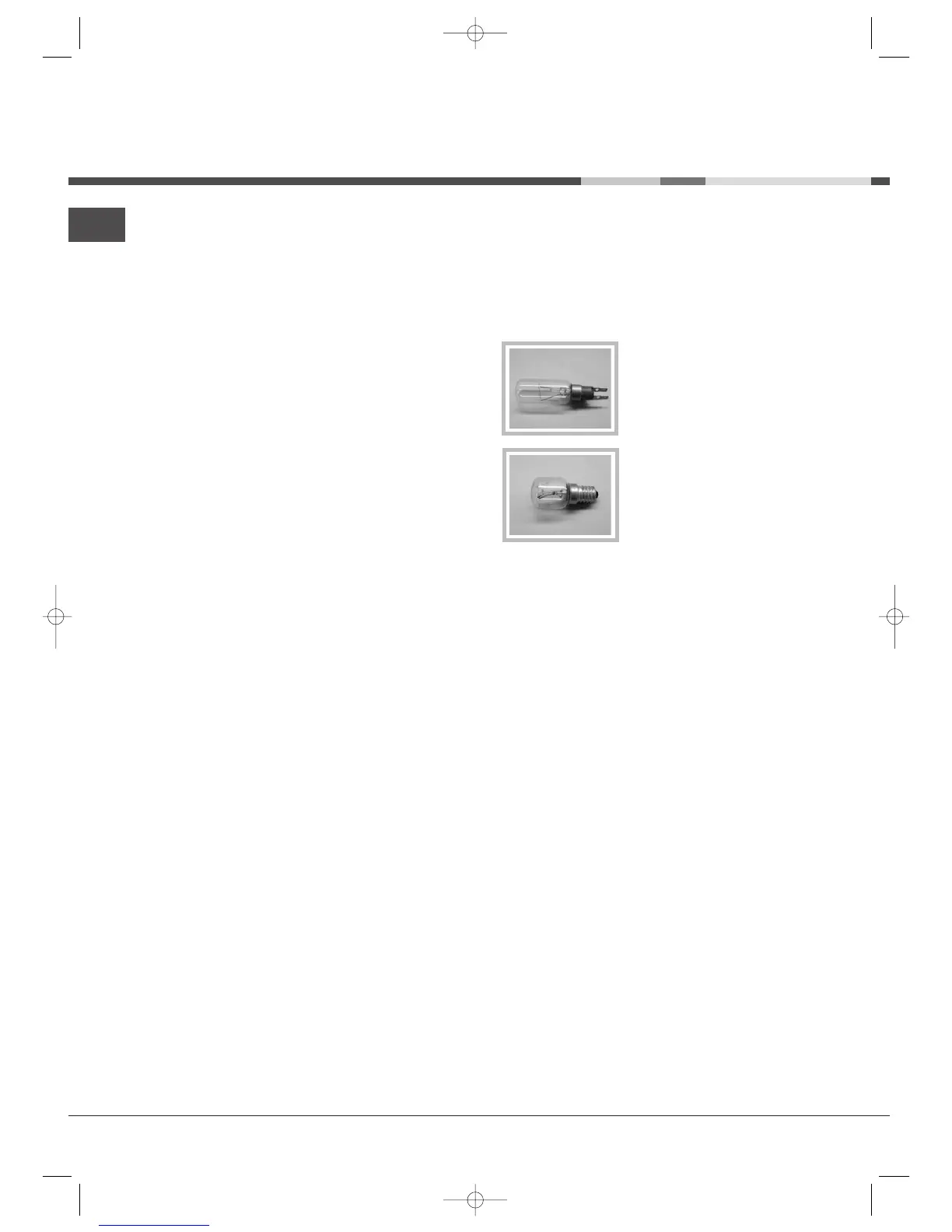
• The refrigerator accepts light
bulbs with a bayonet type
mount. These do not need
unscrewing/screwing when
replacing.
• The ice/water dispenser light
bulb has a standard screw type
mount and therefore needs to
be screwed in place.
Replace the lamp with one of the same type, available
from the After-sales Service or from authorised
dealers.



 To Next Page