Optical Fiber Output Operation
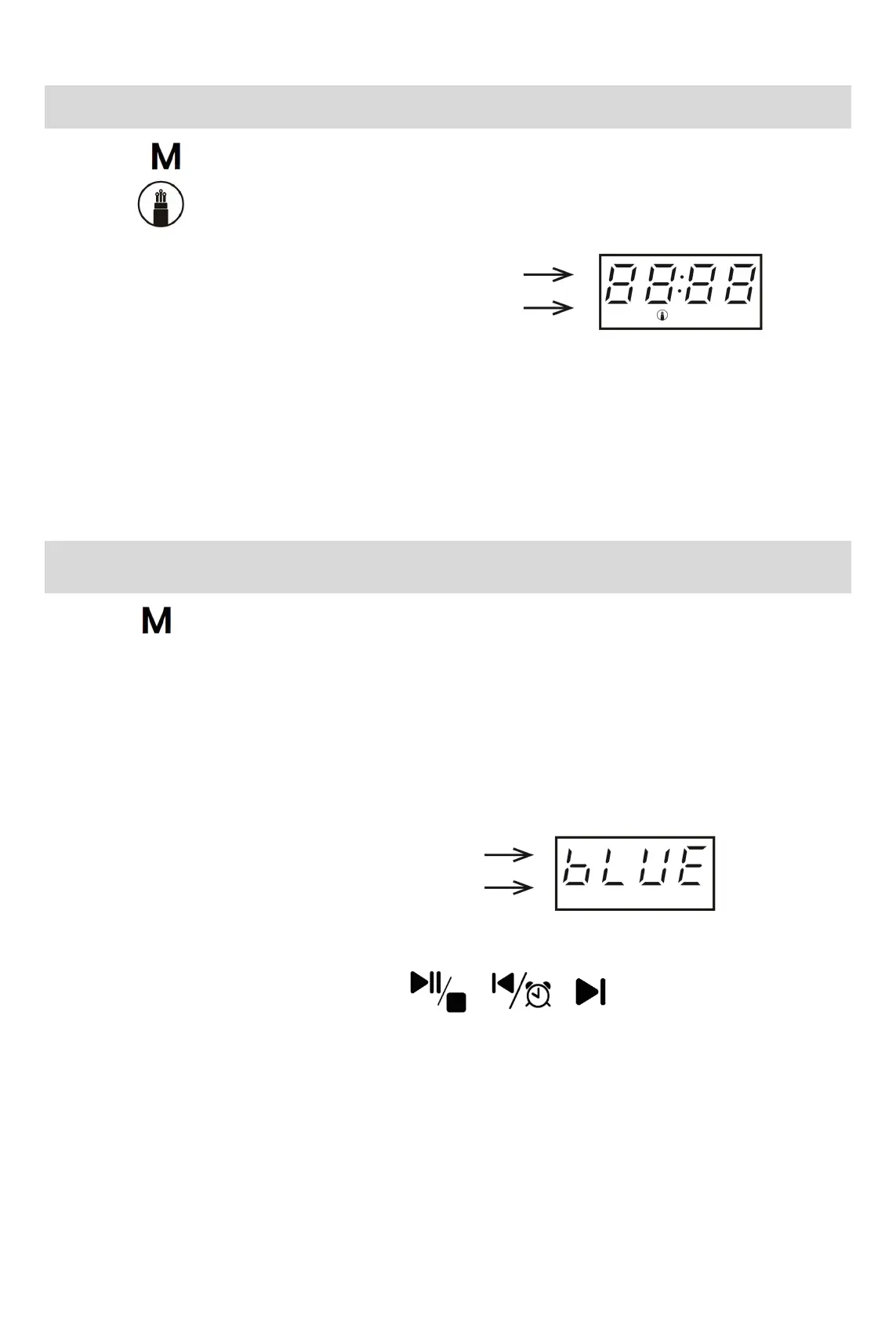
1. Press the button to switch to Optical Fiber Output mode, and the LED will simultaneously
display the icon, and the speaker of the CD player will be muted;
2. Connect the CD player to an external amplifier with an audio optical fiber cable, and set the amplifier's
channel to the optical input channel.
Note: a. This function only supports disc play;
b. The volume of the optical output signal will be set to maximum by default, and the volume knob
will not work in Optical Fiber Output mode.
Bluetooth Receiving Operation
1.Press the button to switch to Bluetooth Receiving mode;
2. A voice prompt will be given saying “Bluetooth Mode”, and the LED will display “bLUE” in flashing
manner, indicating that the Bluetooth pairing is in process;
3. Enable the Bluetooth of your audio device (e.g., phone/tablet/computer), search for
“
HOTT AirSound
”, and connect.
4. Upon connection success, the “bLUE” character will be displayed;
5. Play the music in the audio device, and that music will be transmitted to the CD player;
6. You can control your audio device using the buttons.



 To Next Page