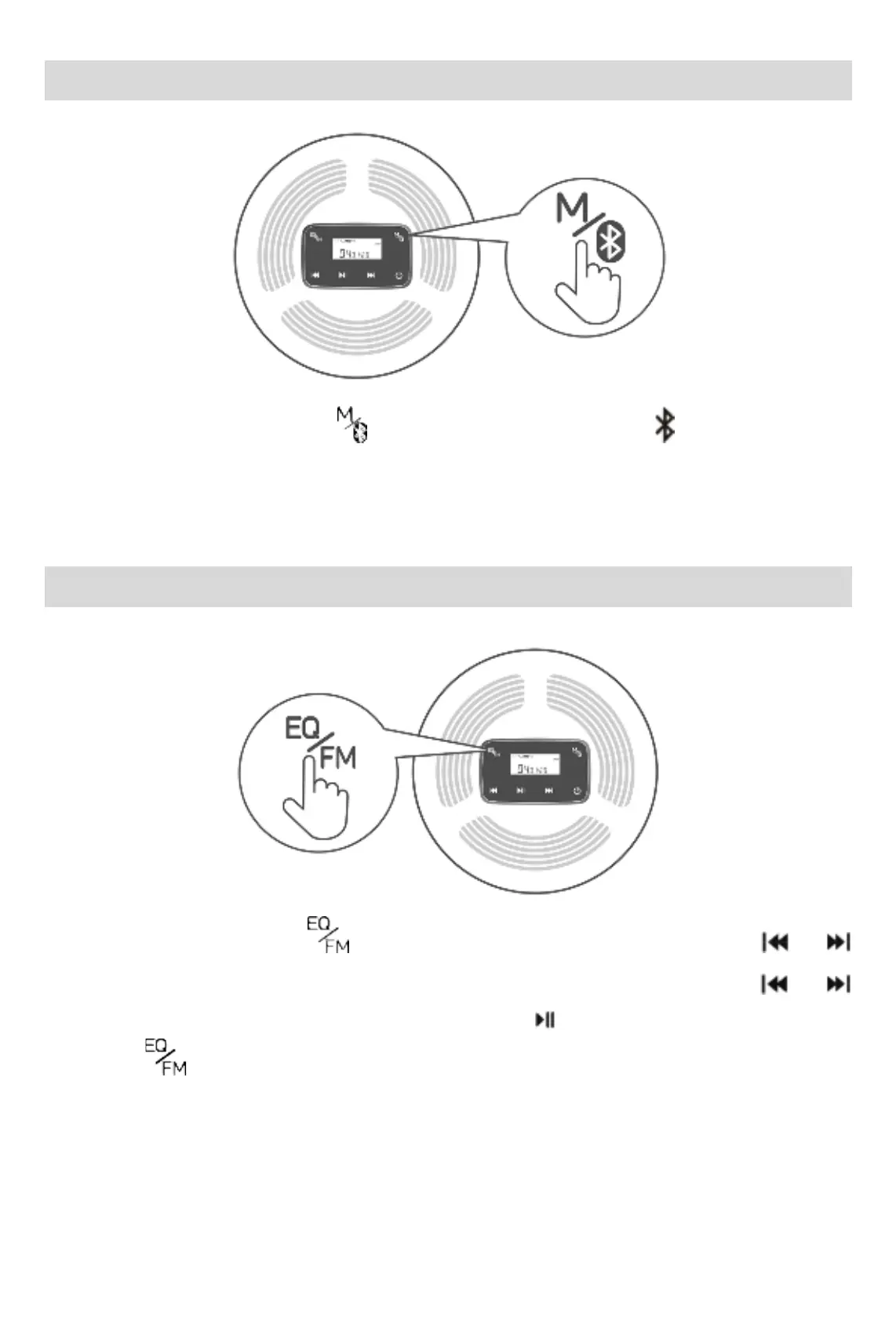
Bluetooth Function
In the playing state, long press
to open the bluetooth device. The icon flashes to enter
the pairing mode. It will automatically connect to an open bluetooth headset or bluetooth speaker
nearby in the 50s. Long press again to switch to reconnect or disconnect bluetooth transmit
function, The paired device can be reconnected automatically after starting up.
FM Function
In the playing state, long press key to enter FM transmission state. Short press or
to adjust the frequency band (frequency band range: 87.5HZ-108.0Hz). Long press
or
to adjust the previous song or next song. Short press the
key to pause/play the song. Then,
long press
to normally exit the FM transmission state and return to the song playing
interface.
Note: When CD player is in FM transmitting state, use the equipment with FM receiving
function and adjust to the same frequency band as CD player to normally listen songs.
Bluetooth and FM can only be operated in a single, and can not run at the same time.



 To Next Page