Need help?
Do you have a question about the HotWire HWGL1 and is the answer not in the manual?
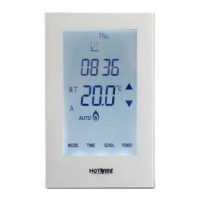
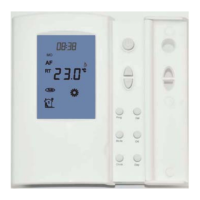
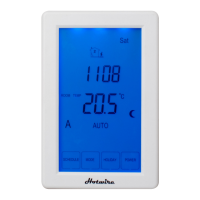
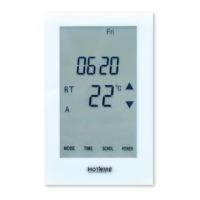
Provides a legend for icons displayed on the thermostat's LCD screen.
Explains how to switch between Zone 1 (under floor) and Zone 2 (towel rail).
Details the pre-set WAKE, LEAVE, RETURN, and SLEEP times and temperatures.
Instructions for operating the thermostat in manual mode.
Procedures for locking the keypad and resetting the thermostat to factory settings.
How to temporarily adjust the set temperature until the next programmed event.
Choosing between Air, Air & Floor, or Floor sensing modes.
Setting the temperature difference for heating activation and deactivation.
Recalibrating air and floor temperatures for accuracy.
Options for displaying temperature in Celsius or Fahrenheit.
Choosing between 5+2 day or 7-day programming schedules.
Setting minimum and maximum temperature limits for the thermostat.
Procedure to reset the thermostat to its original factory default settings.
 General
| Brand | HotWire |
|---|---|
| Model | HWGL1 |
| Category | Thermostat |
| Language | English |

 To Next Page