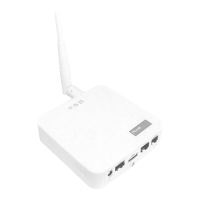
TempTronic RC
Operating Manual
Art. No. 4 206 403-en-00 / Page 4
Operation levels3.2
There are 3 operation levels. Access to operation levels 2 and 3 is password-
protected.
Operation level User group Actions
Operation level 1 untrained user Display operating mode ●
Display alarms ●
Operation level 2 trained user in addition:
Set operating mode ●
Set set values ●
Program switching times ●
Switch between heating/cooling ●
mode
Select language ●
Set time/date ●
Operation level 3 Hoval Customer
Service
in addition:
Set conguration parameters ●
Operation levels of the TempTronic RCTable 3:
Start up screen3.3
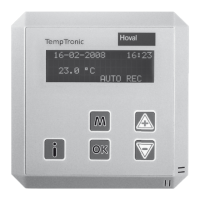
During operation, the following information is displayed:
Date and time ●
current room temperature ●
current operating mode for the zone ●
(AUTO = automatic mode, MAN = manual mode)
29-02-2008 09:10
22.8 °C
AUTO REC
Start up screenFig. 2:


 To Next Page