WARNING
Any Highlander Pro that does not
work properly can cause you to lose
control and fall. Inspect the entire
device thoroughly before every
ride, and do not ride it until any
problems have been corrected.
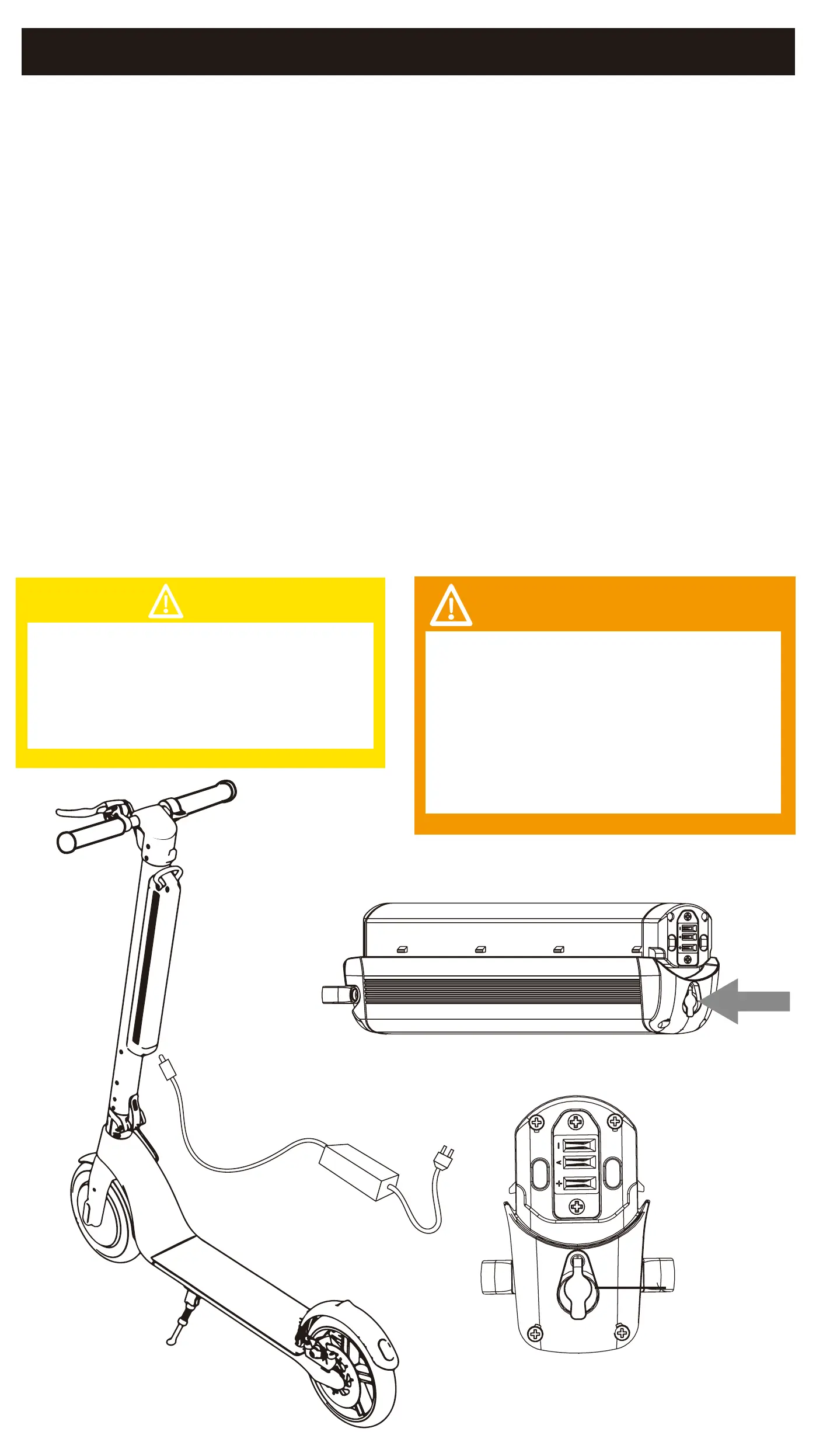
CHARGING THE DEVICE
• Ensure that the charging port is clean and dry.
• Make sure that there is no dust, debris or dirt inside the port.
• Plug the charger into a grounded wall outlet.
• Connect the cable with the power supply (100V ~ 240V; 50/60 Hz).
• Align and connect the 1-pin charging cable into the charging
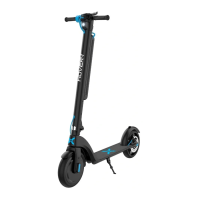
port of the Highlander Pro Scooter.
(DO NOT FORCE OR BEND THE CHARGING CABLE AS IT MAY
CAUSE THE PRONGS TO BEND OR BREAK.)
• The charging indicator light on the charger itself should change to
RED, indicating that your device is now being charged.
• When the RED indicator light on your charger turns to GREEN, then
your device is fully charged.
• After fully charging your Highlander Pro Scooter, unplug the
charger from your device and from the power outlet.
Only use the included charging cable
and charger to charge your Hover-1
Highlander Pro. Using any other
unauthorized charger may damage
your Hover-1 Highlander Pro.
CAUTION
CHARGING YOUR HIGHLANDER PRO
Charge Port
17





 To Next Page