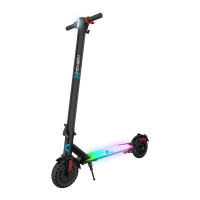
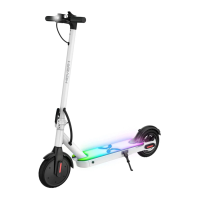
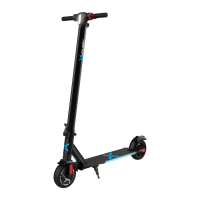
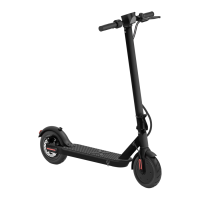
HOVER-I JOURNEY 2.0 DIAGRAM
nn
BRAKE HANDLE
FOLDING
CLIP
LCD DISPLAY
THROTTLE
LCD DISPLAY
km/h
mph
HIGH SPEED MODE
Indicates high speed mode
is activated.
SPEEDOMETER
Displays your current speed in Mph.
Displays the current speed mode when
toggled. While powered on, press the
power button twice to switch between
high and low speed mode:
1 - Low speed mode (Max speed 9 mph)
2 - High speed mode (Max speed 16 mph)
Press the power button 3 times to switch
between Mph and Km/h
BATTERY INDICATOR
Displays your current battery level.
CRUISE CONTROL ICON
To activate cruise control, long press the
throttle down for 5-8 seconds, while riding
at a constant speed above 3 mph. You will
hear a beep and the cruise control
indicator will light up on the LCD display
indicating that it is activated. Press the
throttle down once or squeeze the brake
handle to cancel the cruise control
HEADLIGHT ICON
Indicates the headlight is activated.
Press the button one time quickly to
tun the headlight on or off.
16


 To Next Page