2.Motion & Sound Alert
This clock-cam an send a push-notification to your phone whenever it detects motion or sound.
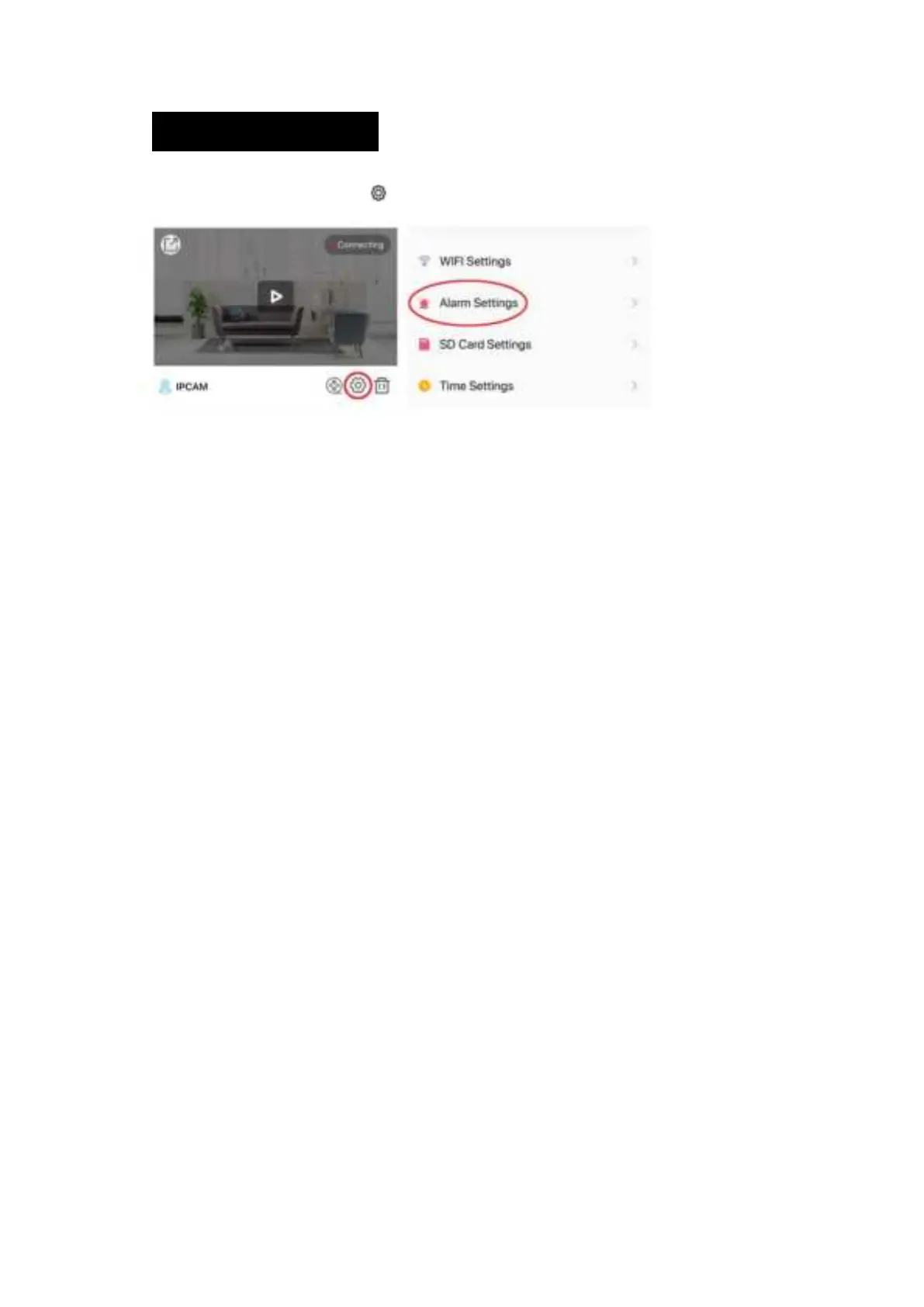
To access alert settings, select the
icon and select Alarm Settings.
1. Motion Alarm: Turn on to access sensitivity sub-menu, which can be set to low, mid or high.
2. Voice Alarm (sound detection): Turn this option on to adjust sensitivity.
3. Select Done to save settings.


 To Next Page