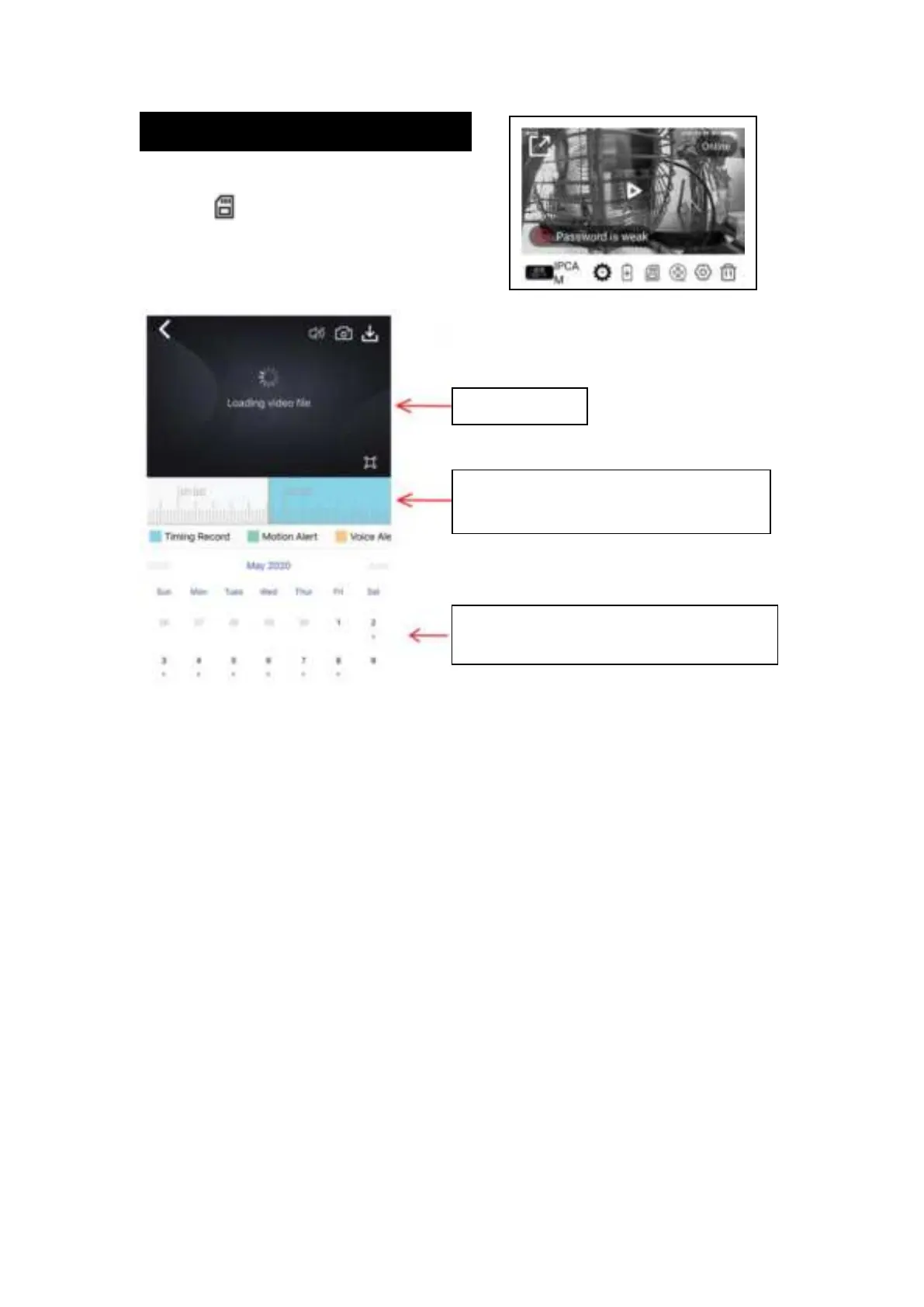
4.Viewing Scheduled Recordings
To access and view your scheduled recordings,
Select the
icon. From here, you'll be
able to view or download the recording from
your selected date and time.
Time scroll-bar. Blue highlighted time range
means scheduled recording is available
The blue dot underneath the date indicates
scheduled recording is available for that date


 To Previous Page