1
Operations
Step 1
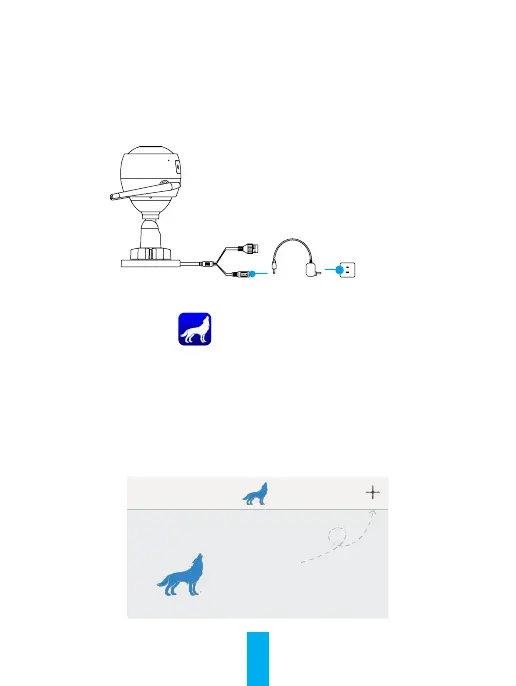
Power-on
Connect the camera and power socket to power on
the camera.
Power Cable
Power Socket
Step 2
Camera Setup
1
Create a user account.
- Connect your mobile phone to Wi-Fi.
-Download and install the Howl app by searching “Howl Alert” in App Store and Google Play
TM
.
- Launch the app and register a Howl user account following the start-up wizard.
2
Add a camera to Howl.
- Log into the Howl app.
- On the home screen, tap “+” on the upper-right corner to go to the scan QR code page.
Hi!
Click here to add your Howl
device(s).
–
–
–



 To Next Page