2
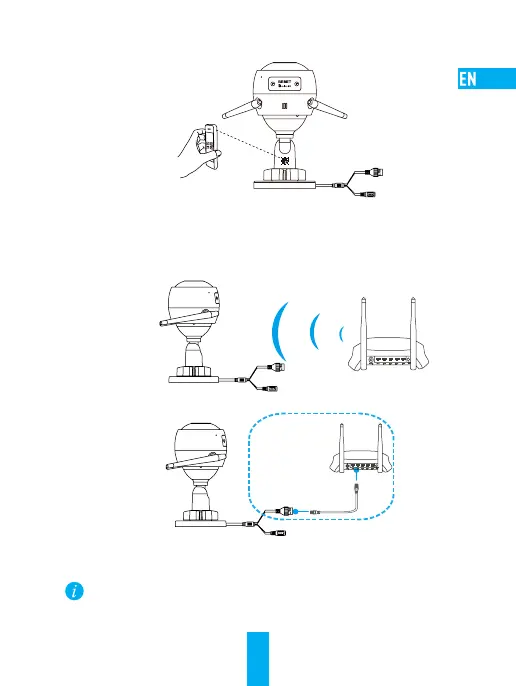
- Scan the QR code on the body of the camera.
3
Choose network connection.
- Choose Wi-Fi (2.4GHz Wi-Fi Only) or wired connection.
(Recommended) For Wi-Fi connection, enter Wi-Fi name and password to
configure Wi-Fi for the camera.
N3
Router
For wired connection, connect the camera to the router with a network cable.
N3
Network Cable
- Enter the correct time zone and date format.
Hold the RESET button for 10 seconds when camera is running if either adding cameras
or Wi-Fi connection fails.



 To Next Page