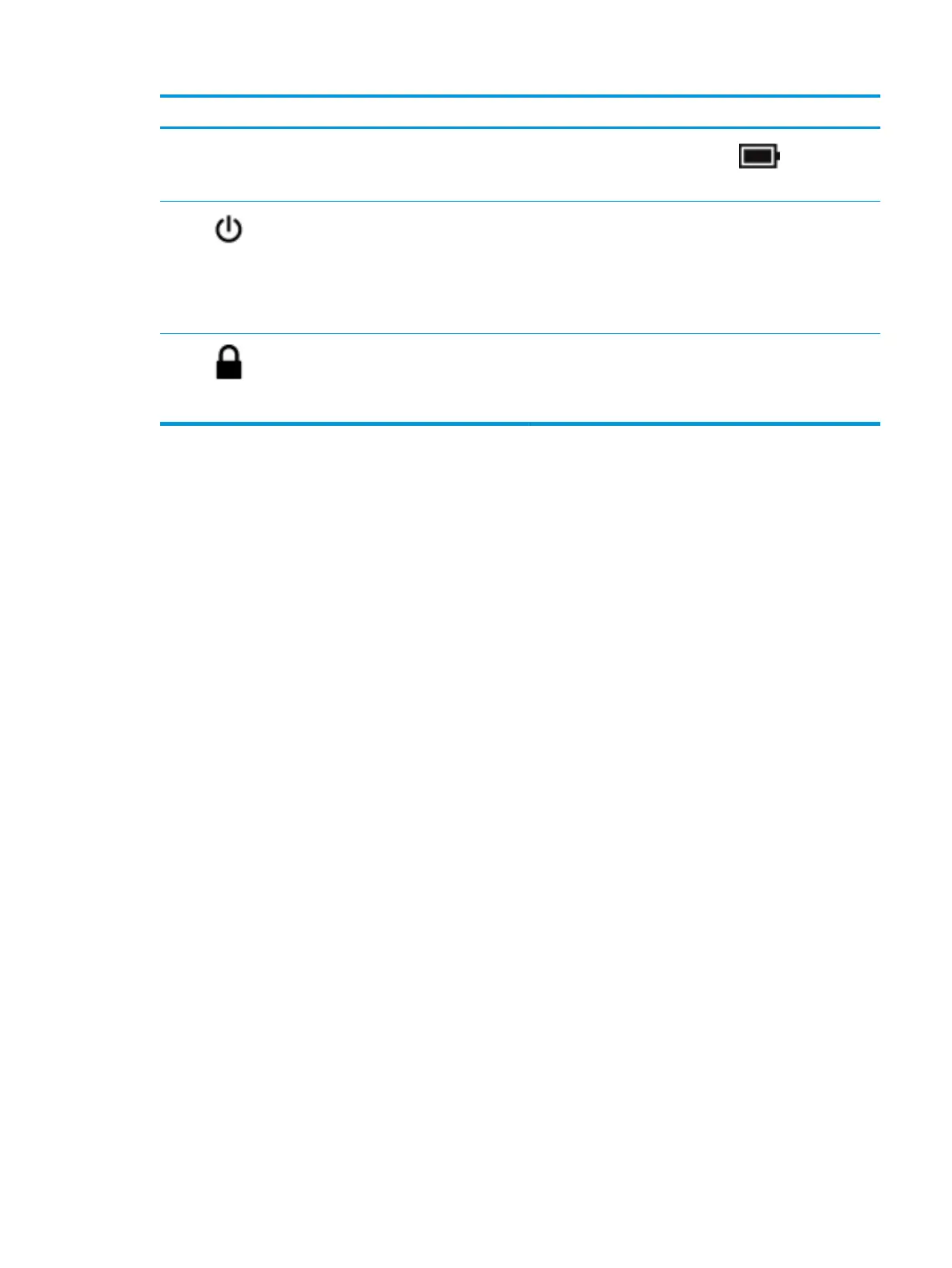
Component Description
▲ Right-click the Power meter icon and then select
Power Options.
(5) Power light ● On: The computer is on.
● Blinking: The computer is in the Sleep state, a power-
saving state. The computer shuts o power to the display
and other unneeded components.
● O: The computer is o or in Hibernation. Hibernation is a
power-saving state that uses the least amount of power.
(6) Security cable slot Attaches an optional security cable to the computer.
NOTE: The security cable is designed to act as a deterrent, but
it may not prevent the computer from being mishandled or
stolen.
Left side 7




 To Next Page