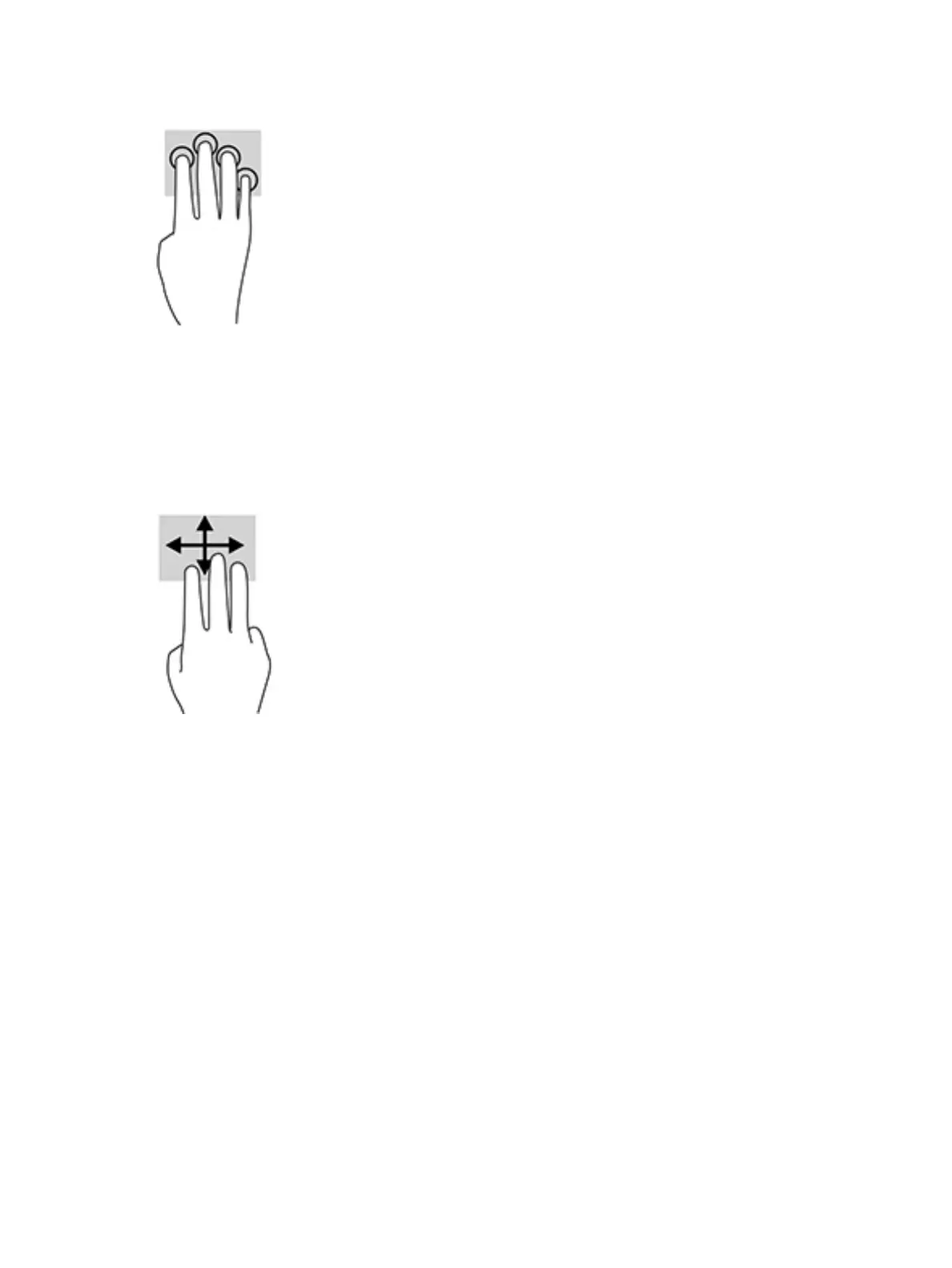
● Tap four ngers on the Touchpad to open the action center and view current settings and notications.
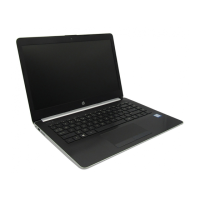
Three-nger swipe (TouchPad only)
Use the three-nger swipe to view open windows and to switch between open windows and the desktop.
● Swipe 3 ngers away from you to see all open windows.
● Swipe 3 ngers toward you to show the desktop.
● Swipe 3 ngers left or right to switch between open windows.
28 Chapter 5 Navigating the screen




 To Next Page