EN
Internal assemblies
123
Laser/scanner assembly
1
Remove all covers.
2
Remove both laser/scanner connectors.
3
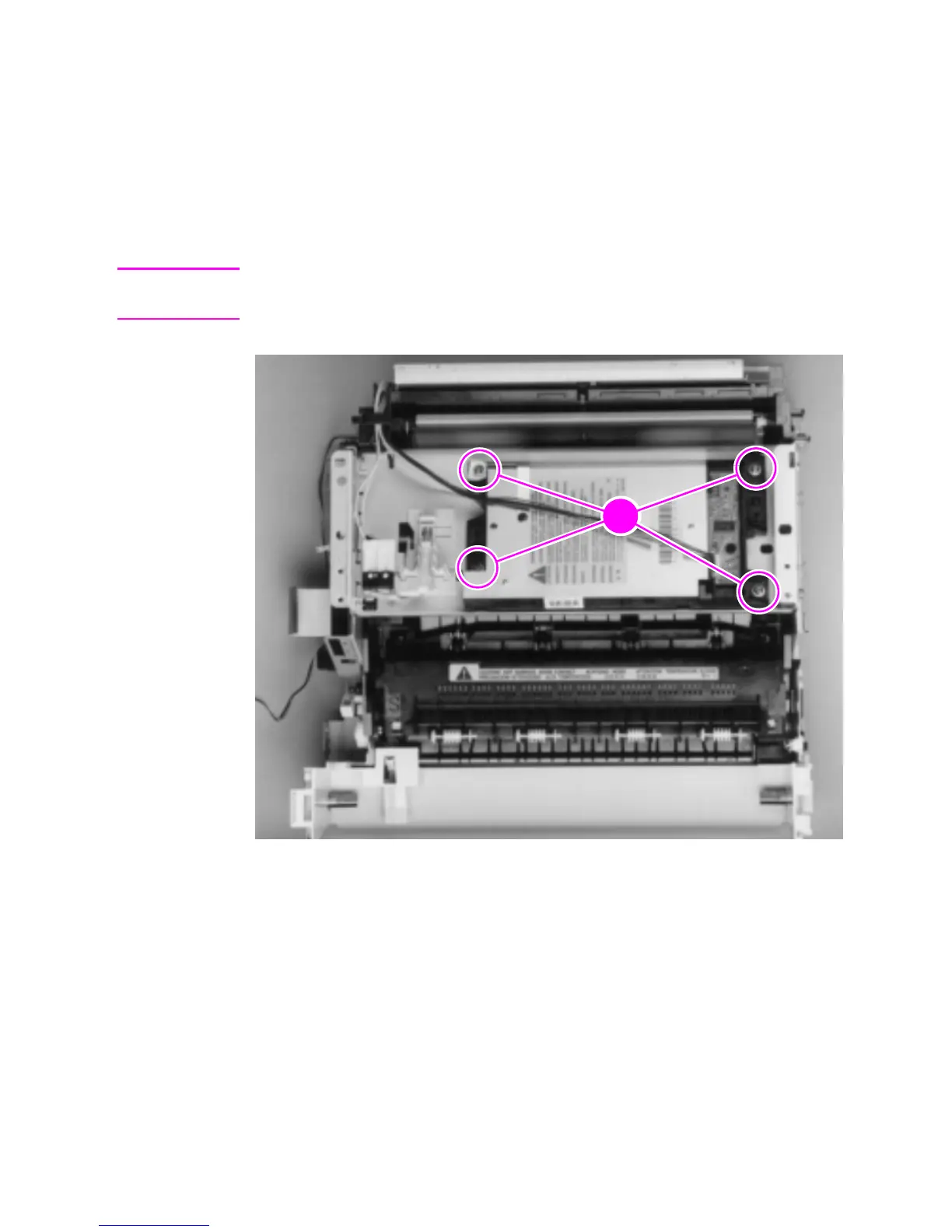
Remove the four (4) screws (callout 1).
4
Lift the assembly straight off.
Note
One of the four screws is longer than the other three. Upon
reinstallation, the longer screw must be replaced in its original location.
Figure 51. Laser/scanner assembly removal



 To Next Page