124 Removal and replacement
EN
Solenoid
1 Remove all covers, the RFI shield, the LIU board, the formatter
board, and the metal side plate.
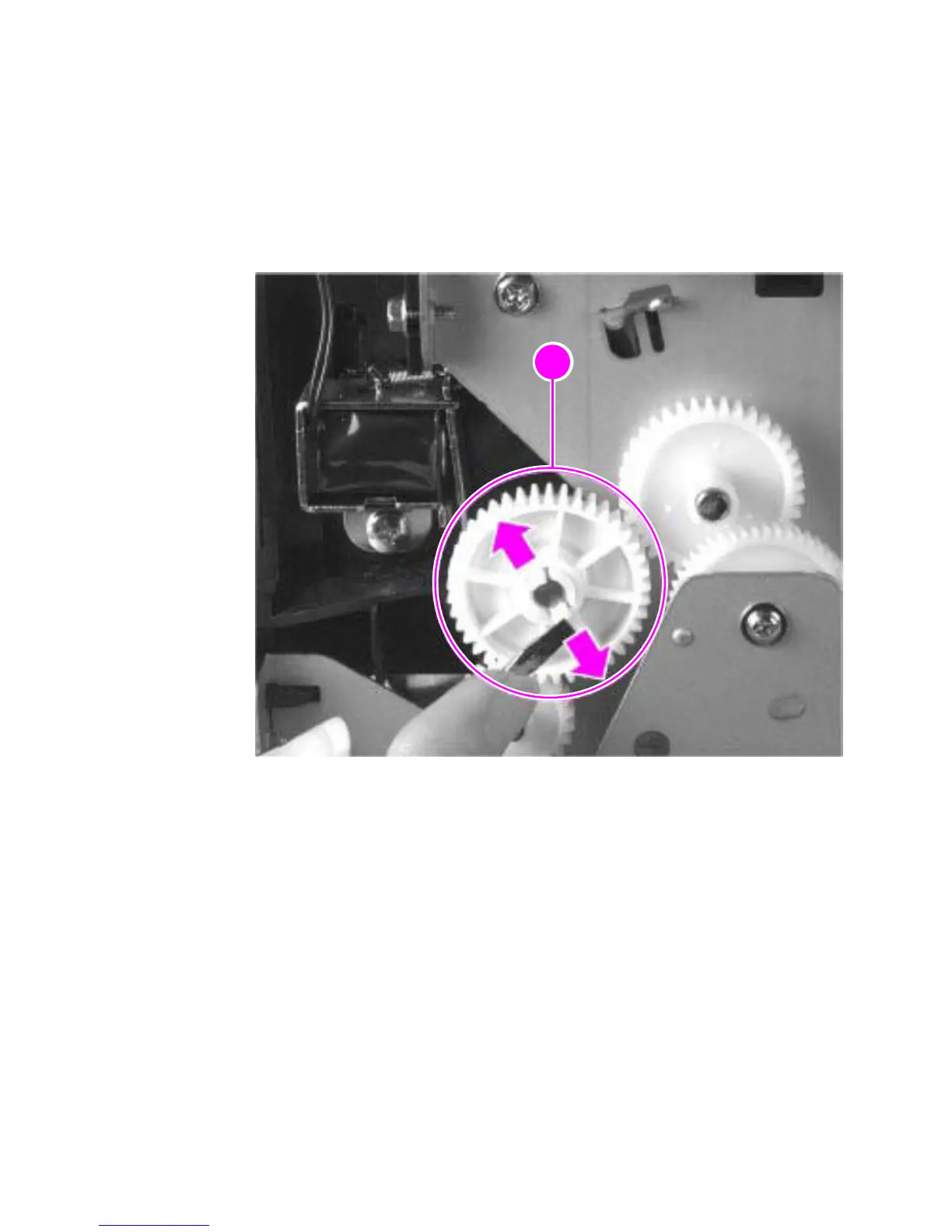
2 On the left side of the printer, remove the paper pickup gear
(callout 1) by pressing the tabs in the center of the gear outward
and pulling the gear off.
Figure 52. Solenoid removal (1 of 2)



 To Next Page