EasyManua.ls Logo

HP 3314A - Page 41

HP 3314A
242 pages
Print Icon
To Next Page IconTo Next Page
To Previous Page IconTo Previous Page
Loading...
Performance
Tests
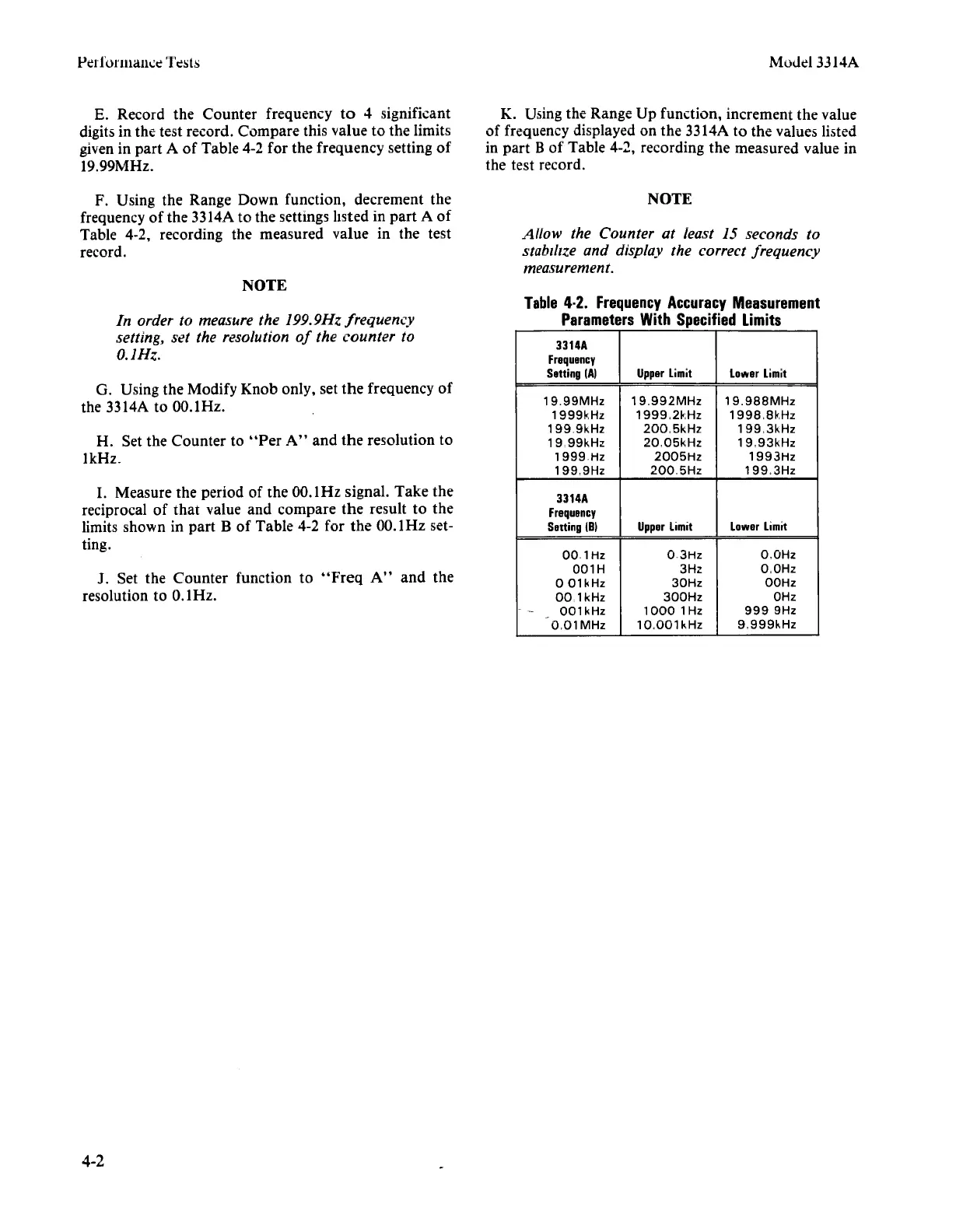
E.
Record
the
Counter
frequency
to
4 significant
digits in
the
test
record.
Compare
this
value
to
the
limits
given in
part
A
of
Table
4-2
for
the
frequency
setting
of
19.99MHz.
F. Using
the
Range
Down
function,
decrement
the
frequency
of
the
3314A
to
the
settings listed in
part
A
of
Table 4-2, recording
the
measured
value
in
the
test
record.
NOTE
In order to measure the 199.9Hz frequency
setting, set the resolution
of
the counter to
O.IHz.
G. Using
the
Modify
Knob
only,
set
the
frequency
of
the 3314A to OO.lHz.
H. Set
the
Counter
to
"Per
A"
and
the
resolution
to
1kHz.
1.
Measure
the
period
of
the
00.1
Hz
signal.
Take
the
reciprocal
of
that
value
and
compare
the
result
to
the
limits
shown
in
part
B
of
Table
4-2
for
the
OO.lHz set-
ting.
J. Set
the
Counter
function
to
"Freq
A"
and
the
resolution to 0.1
Hz.
4-2
Model
3314A
K. Using
the
Range
Up
function,
increment
the
value
of
frequency displayed
on
the
3314A
to
the
values listed
in
part
B
of
Table
4-2,
recording
the
measured
value in
the
test record.
NOTE
Allow the Counter at least 15 seconds to
stabtltze and display the correct frequency
measurement.
Table
4·2.
Frequency
Accuracy
Measurement
Parameters
With
Specified
Limits
3314A
Frequency
Setting
IAI
Upper
Limit
Lotlller
Limit
19,99MHz
19,992MHz
19,988MHz
1999kHz
1999,2kHz
1998,8kHz
1999kHz
200,5kHz
199,3kHz
19,99kHz
20,05kHz
19,93kHz
1999Hz
2005Hz
1993Hz
199,9Hz
200,5Hz
199,3Hz
3314A
Frequency
Selting
(81
Upper
Limit
Lotlller
Limit
001Hz
03Hz
O,OHz
001H
3Hz
O,OHz
o
01kHz
30Hz
OOHz
OO,lkHz
300Hz
OHz
-
001 kHz
1000
1Hz
9999Hz
-
O,OlMHz
10,001
kHz
9,999kHz
'.