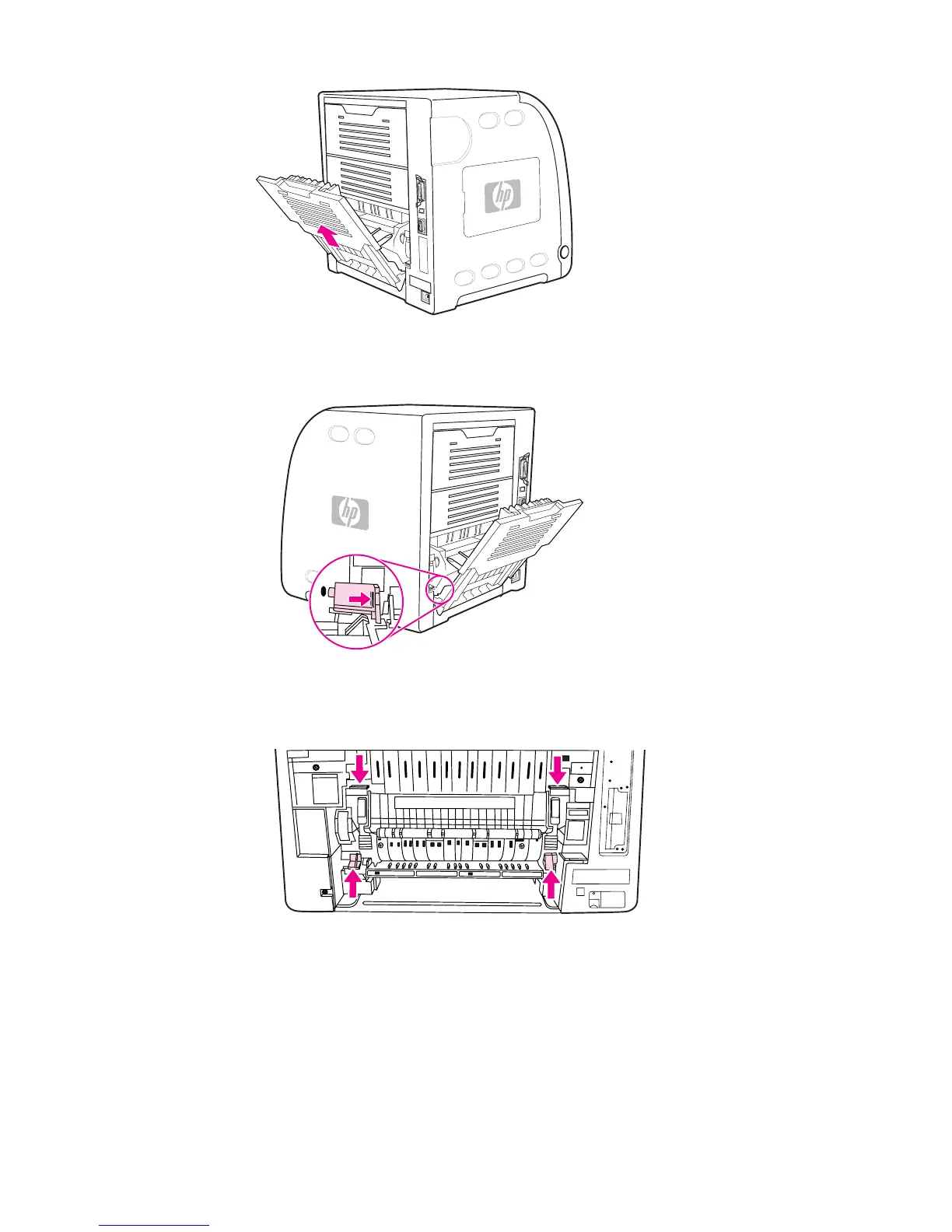
4. Slide out the lower rear door (rear output bin) tray extender.
5. Remove the lower rear door (rear output bin) by lifting and pulling the right side of the
door while pressing the tab with the ridges on the left side of the door.
6. Place your thumbs on the blue ridges (near the warning label), and using your fingers,
pull up on the blue latches.
ENWW Clearing paper jams
165



 To Next Page