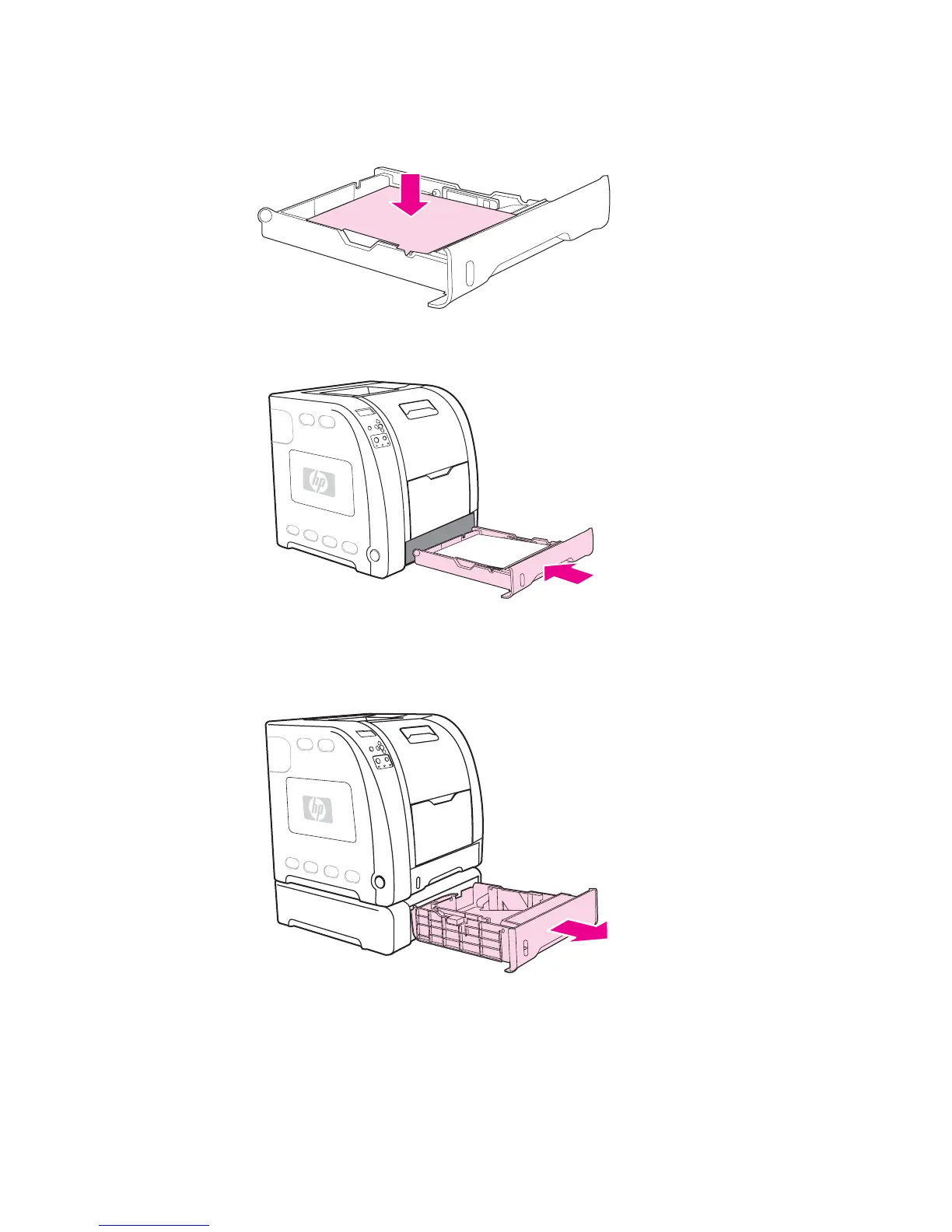
6. Push down on the stack of paper to lock the metal lift plate into place. Make sure that
the stack of paper is flat and that the paper is below the height tabs.
7. Slide the tray back into the printer.
Loading paper into Tray 3
1. Pull the tray out of the printer and remove any paper.
76 Chapter 4 Printing tasks ENWW



 To Next Page