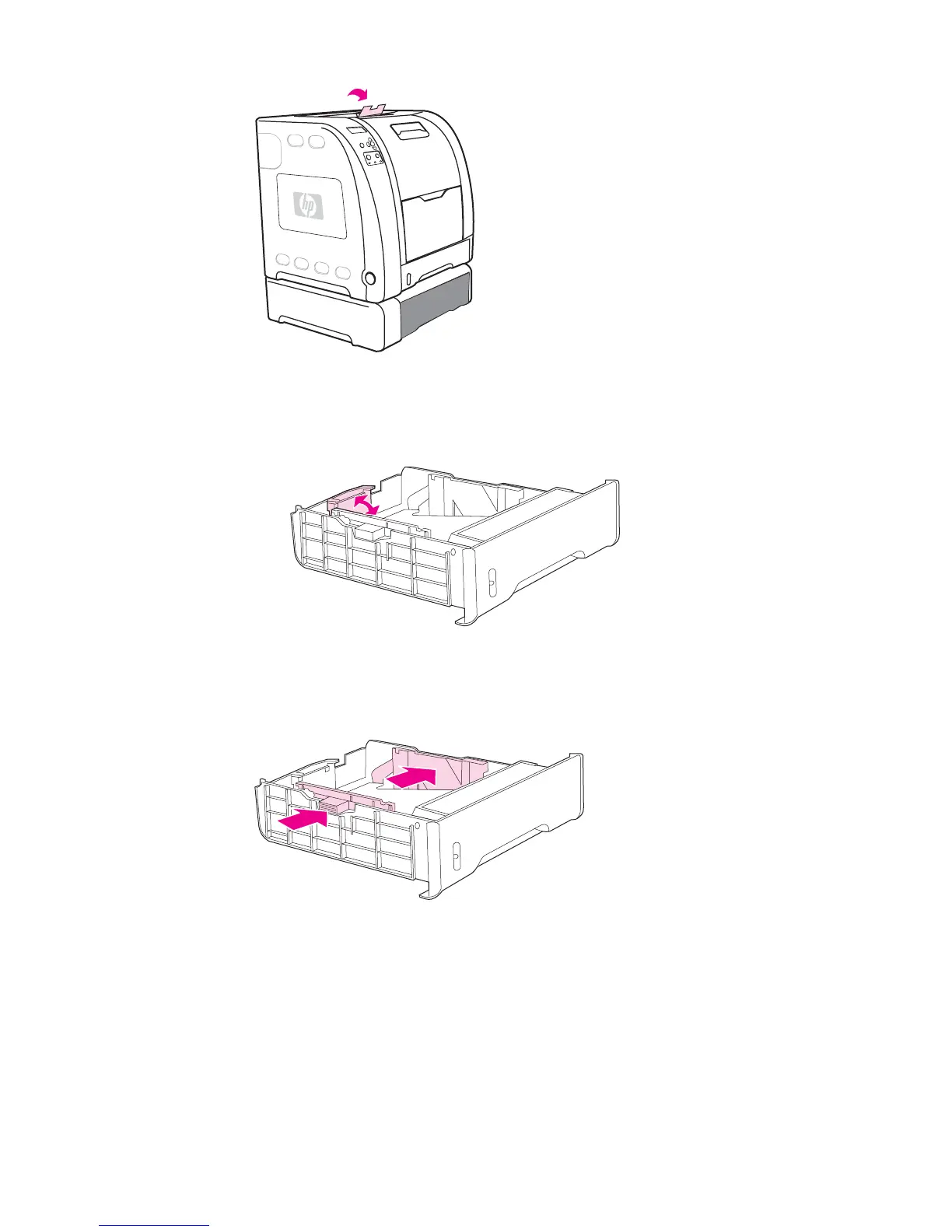
2. Raise the output bin extension.
3. Adjust the length guides. For letter-size paper, raise the blue rear stop. For A4-size
paper, lower the blue rear stop.
4. Adjust the width guides. For letter-size paper, press the center of the side width guides
outward as far as possible. For A4-size paper, press the blue ridges, on the outside of
the side width guides, inward as far as possible.
ENWW Configuring trays 77



 To Next Page