1–2 Reference Guide
Getting Started with Your Notebook
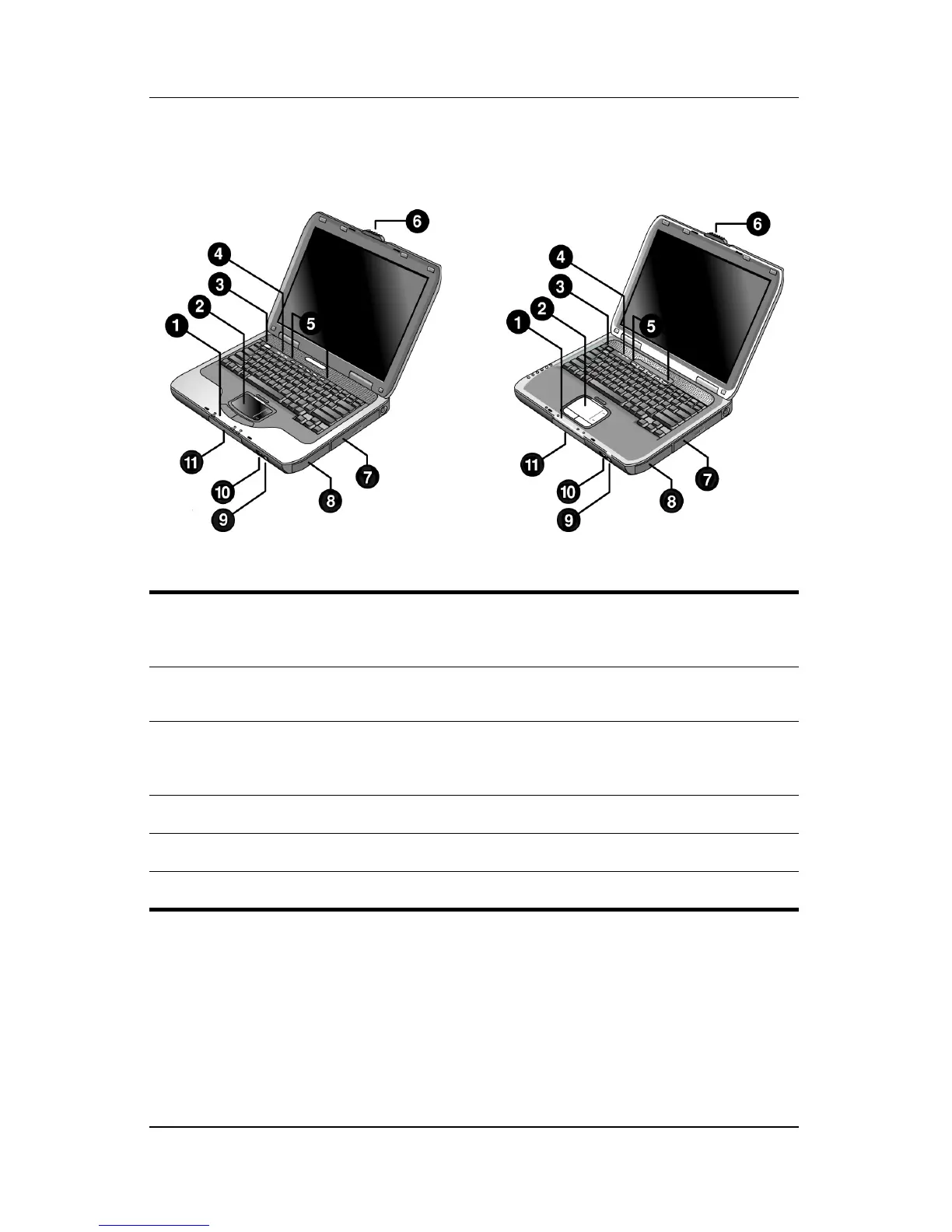
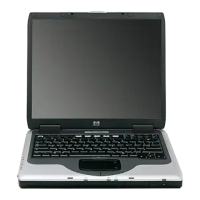
Front Panel and Right Panel Components
1
Main status lights (left to right):
power mode, hard drive activity,
and battery
7
CD-ROM, DVD, or other drive
2
TouchPad, scroll pad, Click
buttons, and an on-off button
8
Battery pack
3
Power button: turns the notebook
on and off
9
Wireless on-off button and
indicator light (select
models only)
4
Keyboard status lights
-
Infrared port (select models only)
5
One-Touch buttons
q
Hard drive
6
Notebook open/close latch


 To Next Page