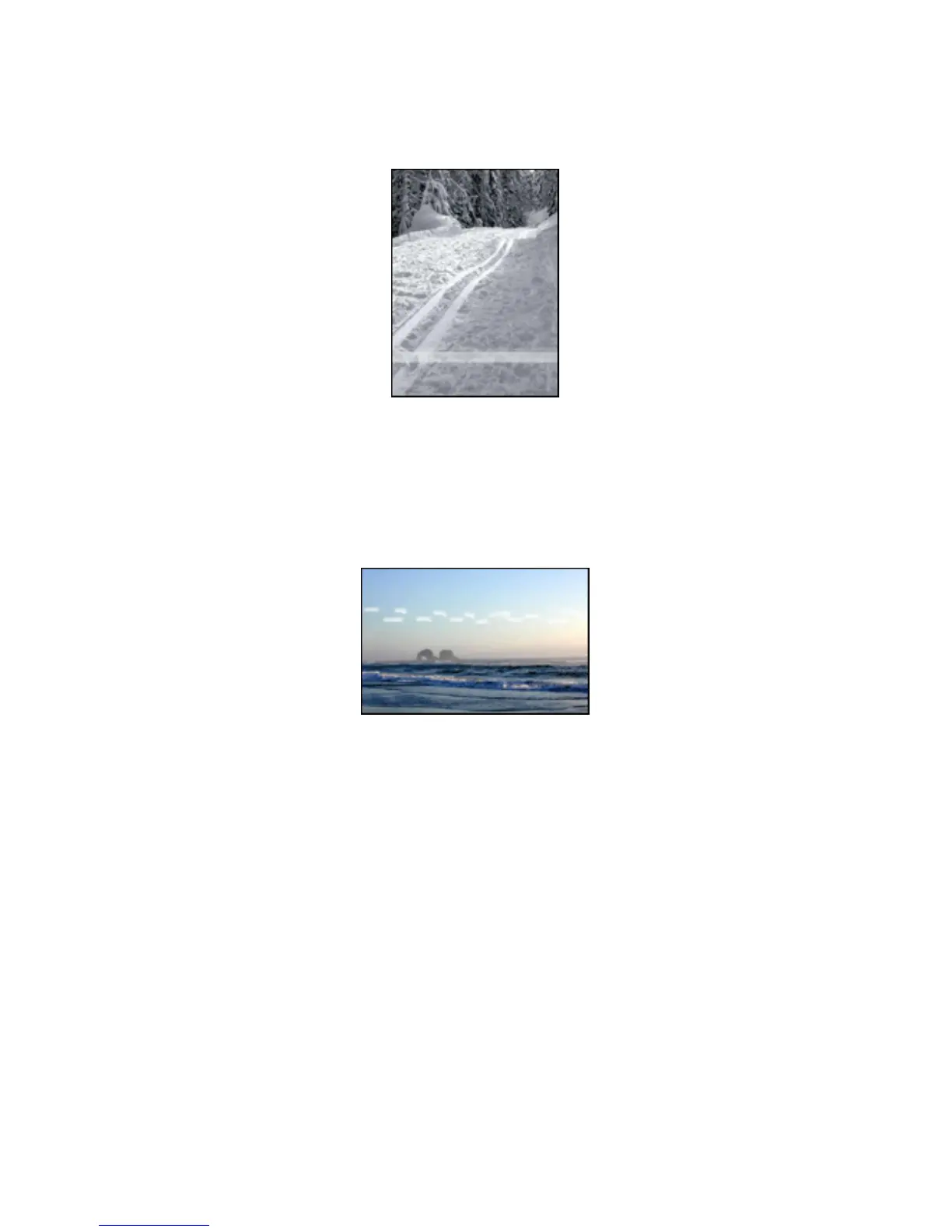
Fading occurs near the edges of a printout
Try the following:
• Install a photo print cartridge in the printer.
• Rotate the image 180 degrees.
Streaks appear in a light portion of a printout
Try the following:
• Install a photo print cartridge in the printer.
• Rotate the image 180 degrees.
HP Deskjet 3840 series printer User's Guide
76



 To Next Page