EasyManua.ls Logo

HP 416A - Page 77

HP 416A
109 pages
Print Icon
To Next Page IconTo Next Page
To Previous Page IconTo Previous Page
Loading...
D
lTt
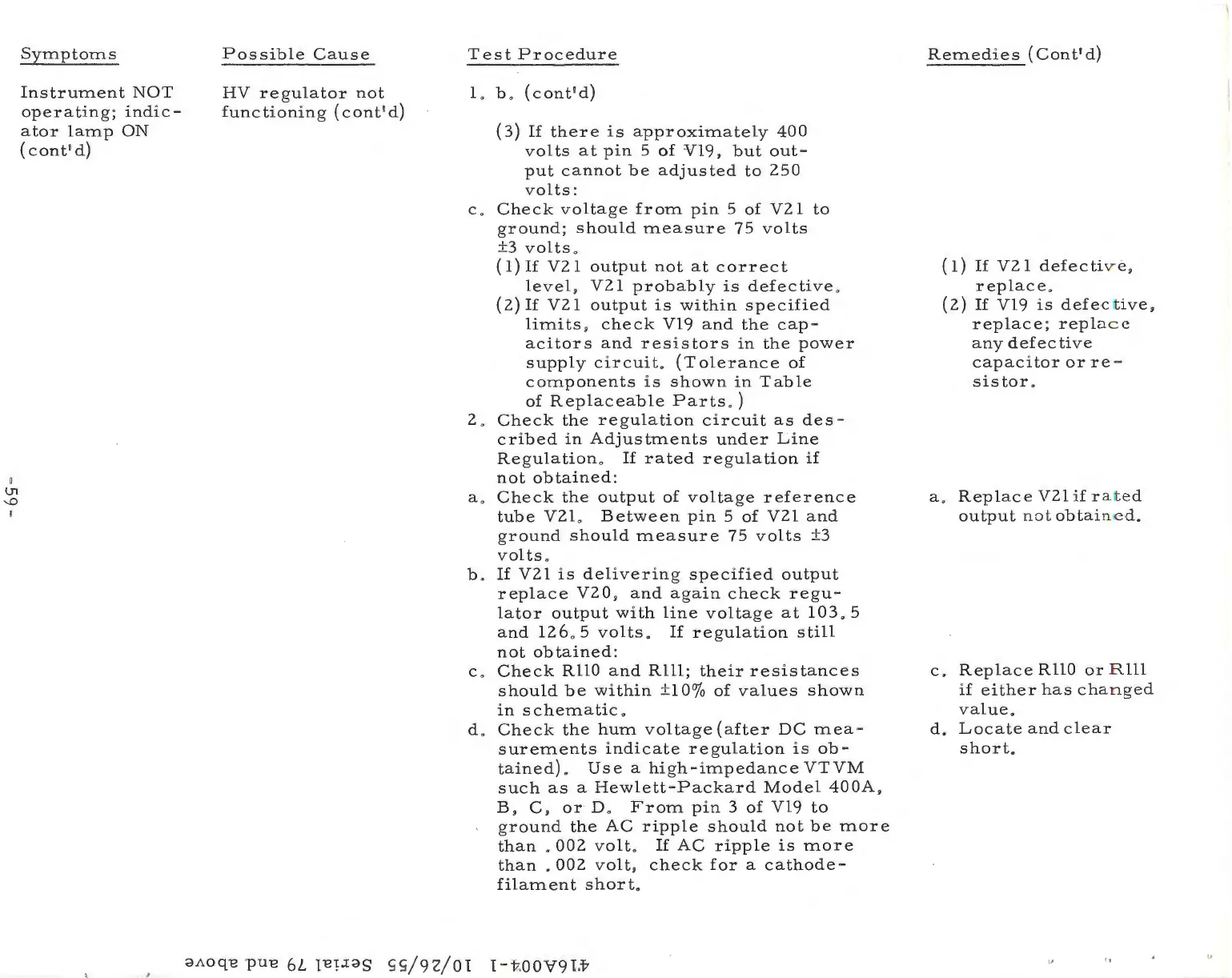
Symptoms
Instrument
NOT
operating;
indic
-
ator
lamp
ON
(cont
'
d)
Poss
ib
le
Cause
HV
regulator
not
functioning
(cont
'
d)
Test
Procedure
L b .
(cont'd)
(3)
If
there
is
approximately
400
volts
at
pin
5
of
Vl9,
but
out-
put
cannot
be
adjusted
to
250
volts
:
c.
Check
voltage
from
pin
5
of
V2
l
to
ground;
should
measure
75
volts
±3
volts
.
( 1)
If
V2
l
output
not
at
correct
level,
V21
probably
is
defective
.
(2)
If
V2
l
output
is
within
specified
limits,
check
Vl9
and
the
cap-
acitors
and
resistors
in
the
power
supply
circuit.
(Tolerance
of
components
is
shown
in
Table
of
Replaceable
Parts.)
2.
Check
the
regulation
circuit
as
des
-
cribed
in
Adjustments
under
Line
Regulation.
If
rated
regulation
if
not
obtained:
a.
Check
the
output
of
voltage
reference
tube
V2L
Between
pin
5
of
V21
and
ground
should
measure
75
volts
±3
volts.
b.
If
V21
is
delivering
specified
output
replace
V20
,
and
again
check
regu-
lator
output
with
line
voltage
at
103.
5
and
126
. 5
volts.
If
regulation
still
not
obtained
:
c.
Check
RHO
and
Rlll;
their
resistances
should
be
within
±1
Oo/o
of
values
shown
in
schematic
.
d .
Check
the
hum
voltage
(after
DC
mea-
surements
indicate
regulation
is
ob-
tained)
.
Use
a
high
-i
mpedance
VTVM
such
as
a
Hewlett-Packard
Model
400A
,
B,
C ,
or
D.
From
pin
3
of
Vl9
to
ground
the
AC
ripple
should
not
be
more
than
.
002
volt.
If
AC
ripple
is
more
than
.
002
volt,
check
for
a
cathode-
filament
short.
dAOqB
puB
6L
1BPdS
SS/92/01
1
-t
.
OOV91.t
Remedies
(Cont'd)
(1)
If
V21
defecti
v e ,
replace
.
(2)
If
Vl9
is
defec
lt
ive
,
replace;
replace
any
defective
capacitor
or
re
-
sistor.
a.
Replace
V21
if
ra
t
ed
output
not
obtain
e d .
c.
Replace
RllO
or
R
lll
if
either
has
cha
n
ged
value.
d.
Locate
and
clear
short.

Related product manuals