2-3. BASIC OPERATION
The following paragraphs describe how to perform a basic capacitance measurement when
using a test fixture, and is intended for first time 4278A users. This procedure may not apply
to your specific application, but will help you understand the 4278A's operation.
2-3-1. MEASURING CERAMIC CAPACITORS
This example shows how to measure a 4700pF ceramic capacitor (HP PN 0160-4298) using
a direct-coupled HP 16047A test fixture. Prepare a test fixture and capacitor, not necessarily
those used here, then perform the following procedure.
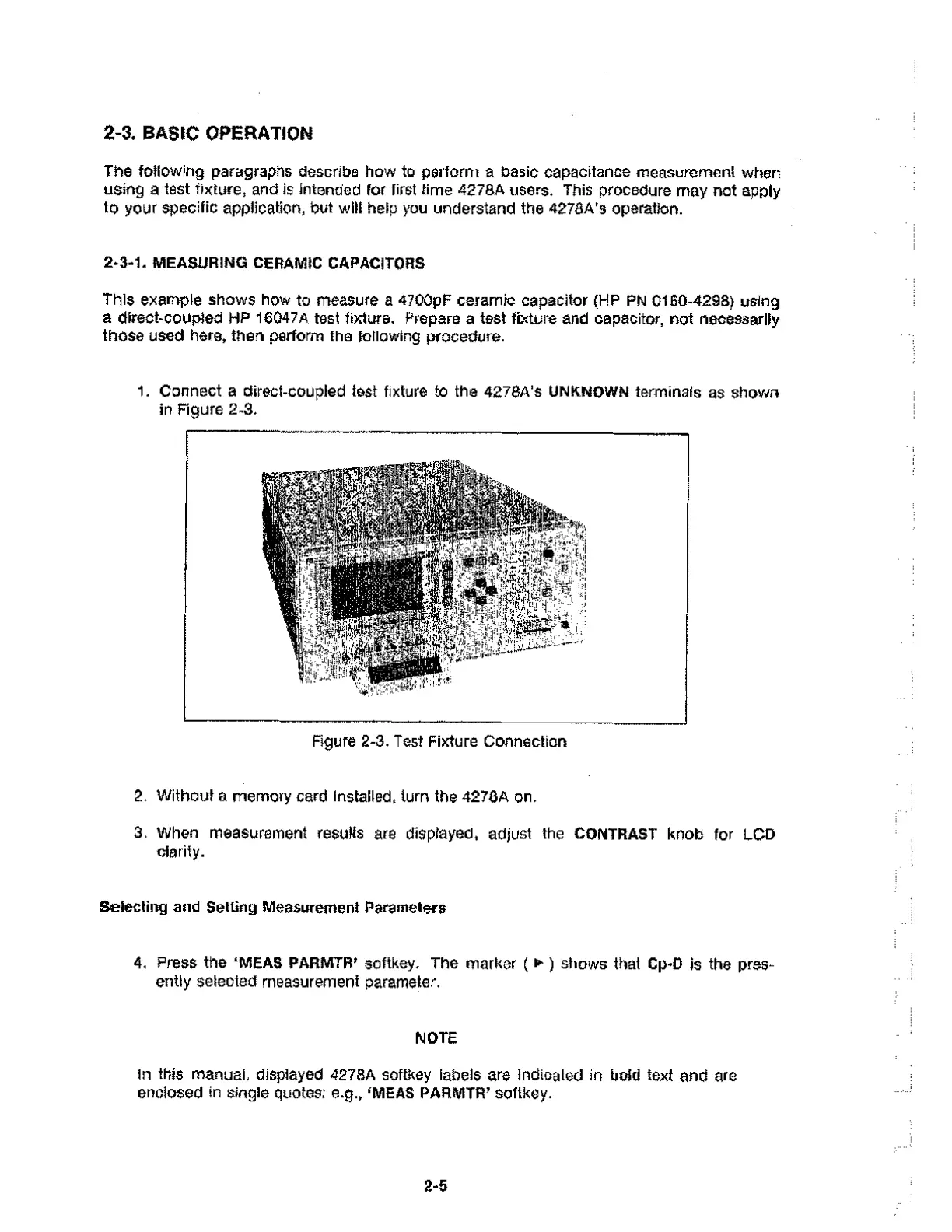
1. Connect a direct-coupled test fixture to the 4278A's UNKNOWN terminals as shown
in Figure 2-3.
Figure 2-3. Test Fixture Connection
2. Without a memory card installed, turn the 4278A on.
3. When measurement results are displayed, adjust the CONTRAST knob for LCD
clarity.
Selecting and Setting Measurement Parameters
4. Press the `MEAS PARMTR' softkey. The marker (▶ ) shows that Cp-D is the pres-
ently selected measurement parameter.
NOTE
In this manual, displayed 4278A softkey labels are indicated in bold text and are
enclosed in single quotes: e.g., ‘11/1EAS PARMTR' softkey.
2.5



 To Next Page