NNNNNNNNNNNNNNNNN
% TOL
This softkey is used to set the limit mo de to the tolerance mo de
(the ratio in percent).
NNNNNNNNNNNNNNNNNNNNNNN
ABS TOL
This softkey is used to set the limit mo de to the tolerance mo de
(parameter value).
NNNNNNNNNNN
SEQ
This softkey is used to set the limit mo de to the sequential
mo de.
2. Select and set the limit mo de using the softkeys.
Nominal Value for
Tolerance Mode
Description
When the tolerance mo de is used as a limit mo de for the primary
parameter, the nominal value must b e set. The nominal value can
be set within the range of the follo
wing measurement range of the
primary parameter.
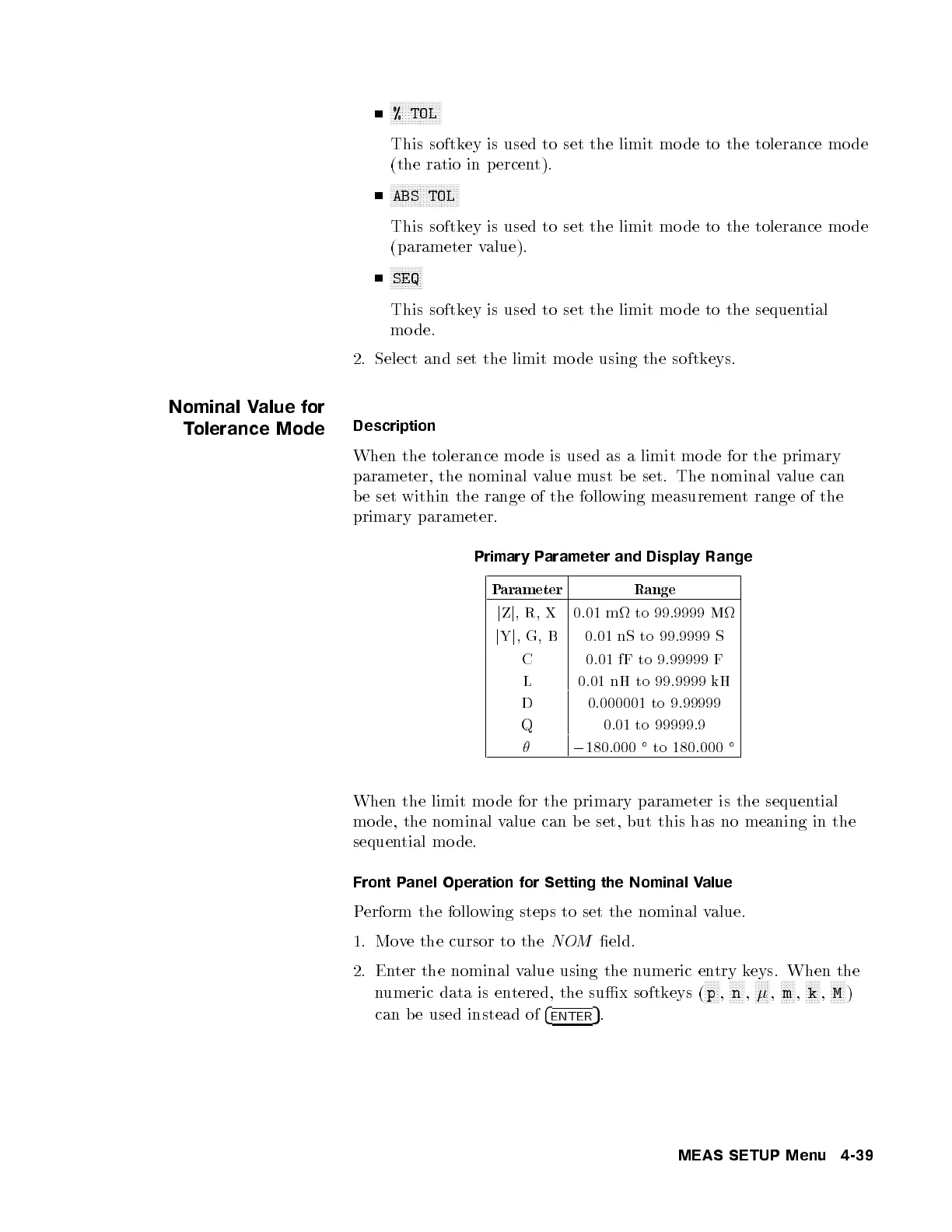
Primary Parameter and Display Range
Parameter Range
j
Z
j
,R, X 0.01 m to 99.9999 M
j
Y
j
,G, B 0.01 nS to 99.9999 S
C 0.01 fF to 9.99999 F
L 0.01 nH to 99.9999 kH
D 0.000001 to 9.99999
Q 0.01 to 99999.9
0
180.000
to 180.000
When the limit mo de for the primary parameter is the sequential
mo de, the nominal value can be set, but this has no meaning in the
sequential mo de.
Front Panel Operation for Setting the Nominal Value
Perform the following steps to set the nominal value.
1. Move the cursor to the
NOM
eld.
2. Enter the nominal value using the numeric entry keys. When the
numeric data is entered, the sux softkeys (
NNNNN
p
,
NNNNN
n
,
NNNNN
,
NNNNN
m
,
NNNNN
k
,
NNNNN
M
)
can b e used instead of
4
ENTER
5
.
MEAS SETUP Menu 4-39



 To Next Page