4.
Press
NNNNNNNNNNNNNNNNN
STORE
when you want to use the STORE function. The
message
Enter record number to STORE
will be displayed on the
system message line.
Press
NNNNNNNNNNNNNN
LOAD
when you want to use the LOAD function. The
message
Enter record number to LOAD
will be displayed on the
system message line.
5. Use the numeric entry keys and
4
ENTER
5
to enter the record
number at which the current control settings will b e STORED to
or LOADED from.
Printer Function
Perform the following steps to print out the displayed page using the
PRINT DISP mo de.
1. Connect the HP 4284A to the printer using an HP-IB cable.
2. Set the printer to the Listen Only mo de.
3. Set the Talk Only mo de to ON from the
SYSTEM CONFIG
page.
4. Press
4
CATALOG/SYSTEM
5
to display the
CATALOG
page.
5. Move the cursor to the
SYS MENU
eld.
6. Press
NNNNNNNNNNNNNNNNNNNNNNNNNN
more 1/2
.
7.
Press
NNNNNNNNNNNNNNNNNNNNNNNNNNNNNNNN
PRINT DISP
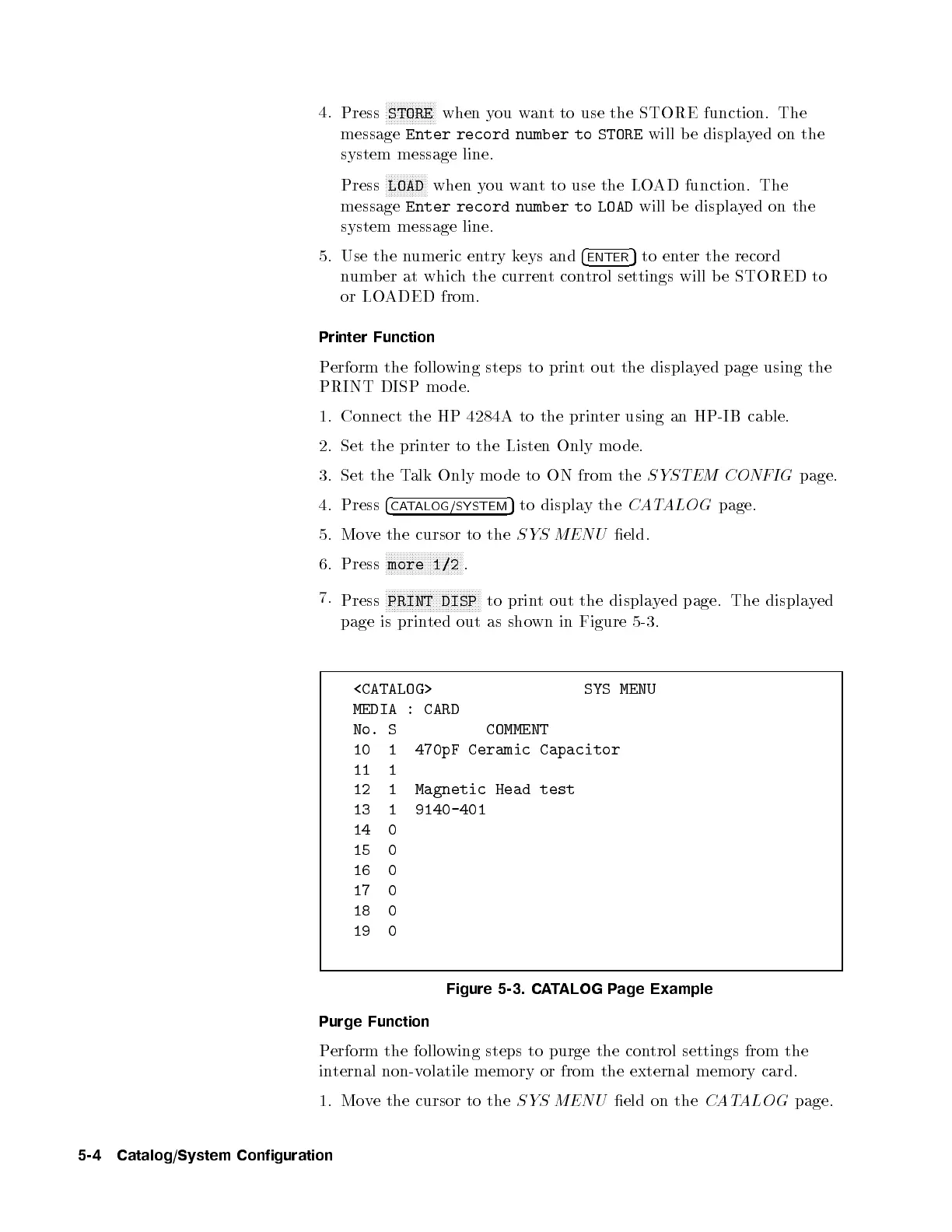
to print out the displayed page. The displayed
page is printed out as shown in Figure 5-3.
<CATALOG> SYS MENU
MEDIA : CARD
No. S COMMENT
10 1 470pF Ceramic Capacitor
11 1
12 1 Magnetic Head test
13 1 9140-401
14 0
15 0
16 0
17 0
18 0
19 0
Figure 5-3. CATALOG Page Example
Purge Function
Perform the following steps to purge the control settings from the
internal non-volatile memory or from the external memory card.
1. Move the cursor to the
SYS MENU
eld on the
CATALOG
page.
5-4 Catalog/System Configuration



 To Next Page