If the HP 4284A
does NOT Measure
Correctly
The HP 4284A is working correctly but its measurement results seem
strange. For example:
The HP 4284A does not measure at all.
Measurementvalue is strange.
Measurementvalue is strange at a specic frequency p ointor
points.
These situations may b e caused by the incorrect correction data. If
you come up on these situations, use the following pro cedure to check
the instrument.
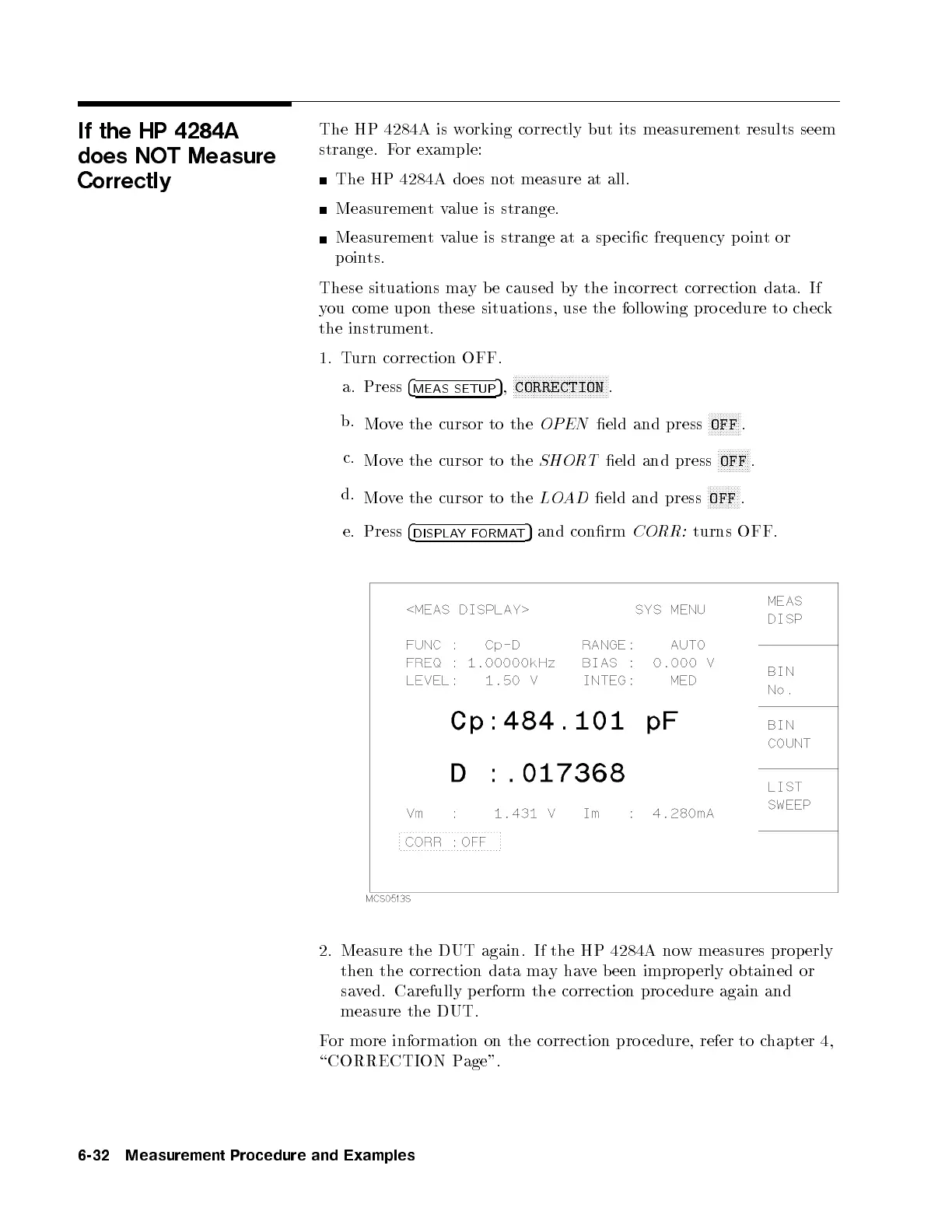
1. Turn correction OFF.
a. Press
4
MEAS SETUP
5
,
NNNNNNNNNNNNNNNNNNNNNNNNNNNNNNNN
CORRECTION
.
b.
Move the cursor to the
OPEN
eld and press
NNNNNNNNNNN
OFF
.
c.
Move the cursor to the
SHORT
eld and press
NNNNNNNNNNN
OFF
.
d.
Move the cursor to the
LOAD
eld and press
NNNNNNNNNNN
OFF
.
e.
Press
4
DISPLAYFORMAT
5
and conrm
CORR:
turns OFF.
2. Measure the DUT again. If the HP 4284A now measures prop erly
then the correction data mayhave b een improp erly obtained or
saved. Carefully p erform the correction pro cedure again and
measure the DUT.
For more information on the correction pro cedure, refer to c
hapter 4,
\CORRECTION Page".
6-32 Measurement Procedure and Examples



 To Next Page