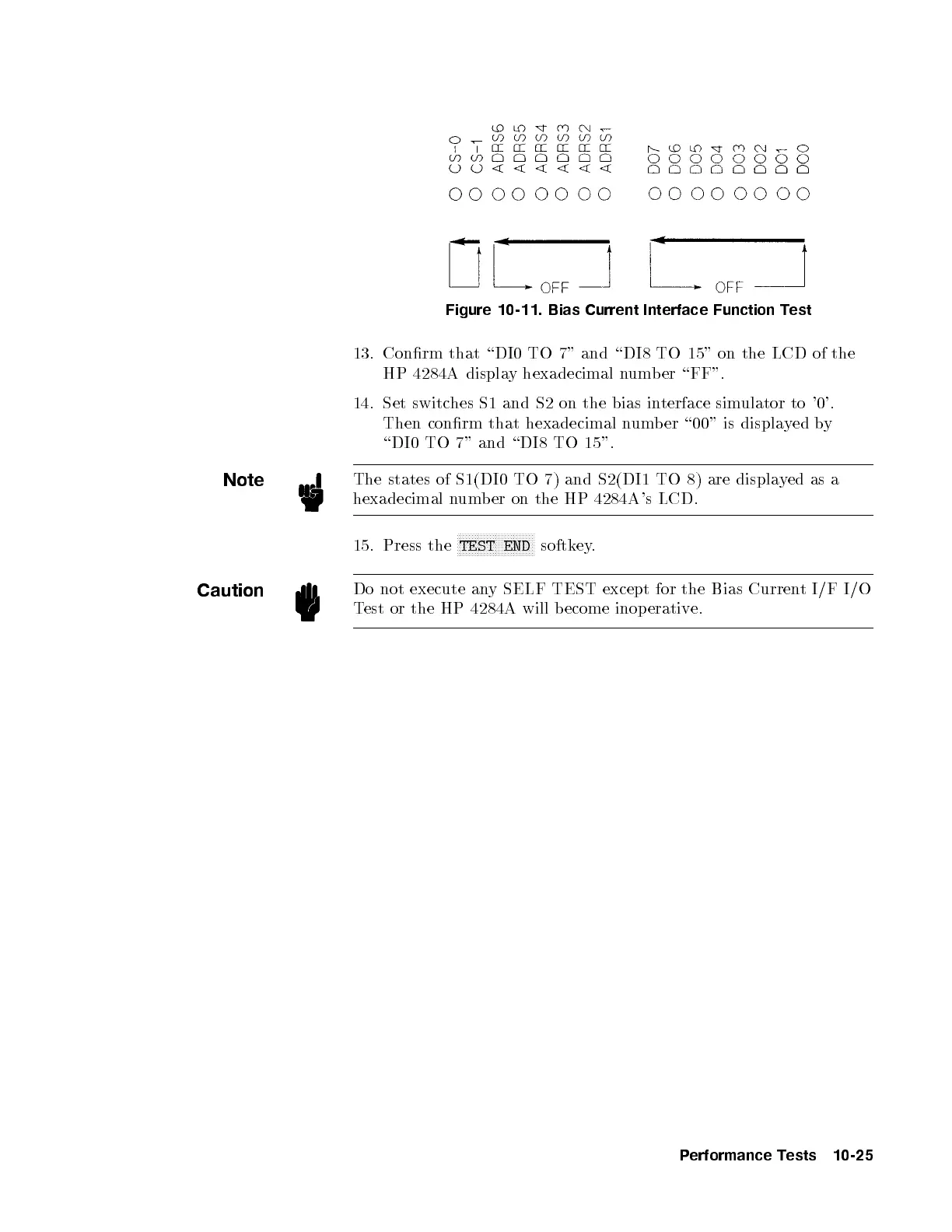
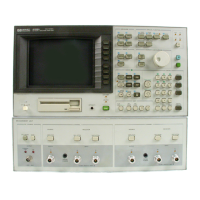
Figure 10-11. Bias Current Interface Function Test
13. Conrm that \DI0 TO 7" and \DI8 TO 15" on the LCD of the
HP 4284A display hexadecimal number \FF".
14. Set switches S1 and S2 on the bias interface simulator to '0'.
Then conrm that hexadecimal numb er \00" is displayed by
\DI0 TO 7" and \DI8 TO 15".
Note
The states of S1(DI0 TO 7) and S2(DI1 TO 8) are displa
yed as a
hexadecimal number on the HP 4284A's LCD.
15. Press the
NNNNNNNNNNNNNNNNNNNNNNNNNN
TEST END
softkey.
Caution
Do not execute any SELF TEST except for the Bias Current I/F I/O
Test or the HP 4284A will become inop erative.
Performance Tests 10-25


 To Next Page