MENU keys and Display
Page
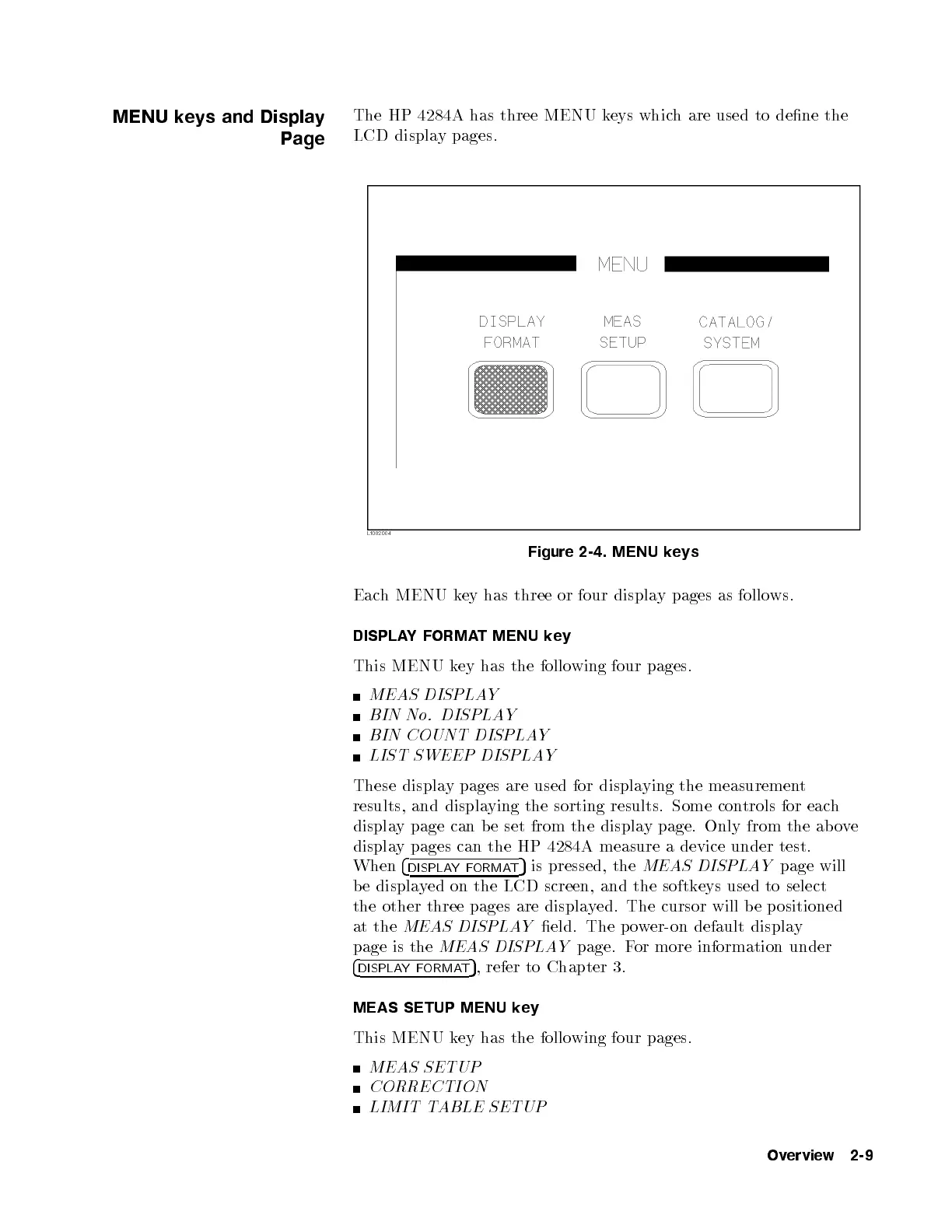
The HP 4284A has three MENU keys which are used to dene the
LCD display pages.
Figure 2-4. MENU keys
Each MENU key has three or four display pages as follows.
DISPLAYFORMAT MENU key
This MENU key has the following four pages.
MEAS DISPLAY
BIN No. DISPLAY
BIN COUNT DISPLAY
LIST SWEEP DISPLAY
These display pages are used for displaying the measurement
results, and displaying the sorting results. Some controls for each
display page can be set from the display page. Only from the ab ove
display pages can the HP 4284A measure a device under test.
When
4
DISPLAYFORMAT
5
is pressed, the
MEAS DISPLAY
page will
be displayed on the LCD screen, and the softkeys used to select
the other three pages are displayed. The cursor will be positioned
at the
MEAS DISPLAY
eld. The power-on default display
page is the
MEAS DISPLAY
page. For more information under
4
DISPLAYFORMAT
5
, refer to Chapter 3.
MEAS SETUP MENU key
This MENU key has the following four pages.
MEAS SETUP
CORRECTION
LIMIT TABLE SETUP
Overview 2-9



 To Next Page